VNC in the browser
Description
The VNC Browser viewer connects to the desktop over the VNC protocol, which works at the same level as SPICE (direct access to the screen, keyboard and mouse of the virtual machine). The client is noVNC, built into the web page: nothing needs to be installed. As it is an older protocol, the video quality is not as good as with SPICE.
Features:
- Works in any modern browser.
- Medium latency.
- No audio.
- External devices (USB) cannot be connected.
- The whole boot of the desktop is visible, from the start.
How to use the browser viewer
-
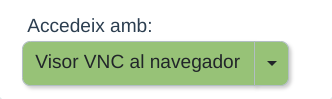
With the desktop running, choose VNC Browser in the viewer dropdown of the desktop card. Hovering over the option shows: «Connect to the desktop using the VNC protocol directly in your browser. No client software required.»
Info
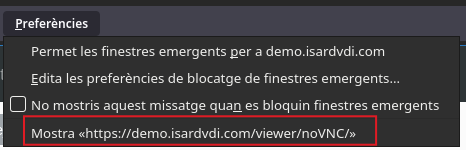
The browser may block pop-up windows. If so, the viewer does not open. In Firefox, for example, a warning appears in the same tab, from which they can be allowed:

-
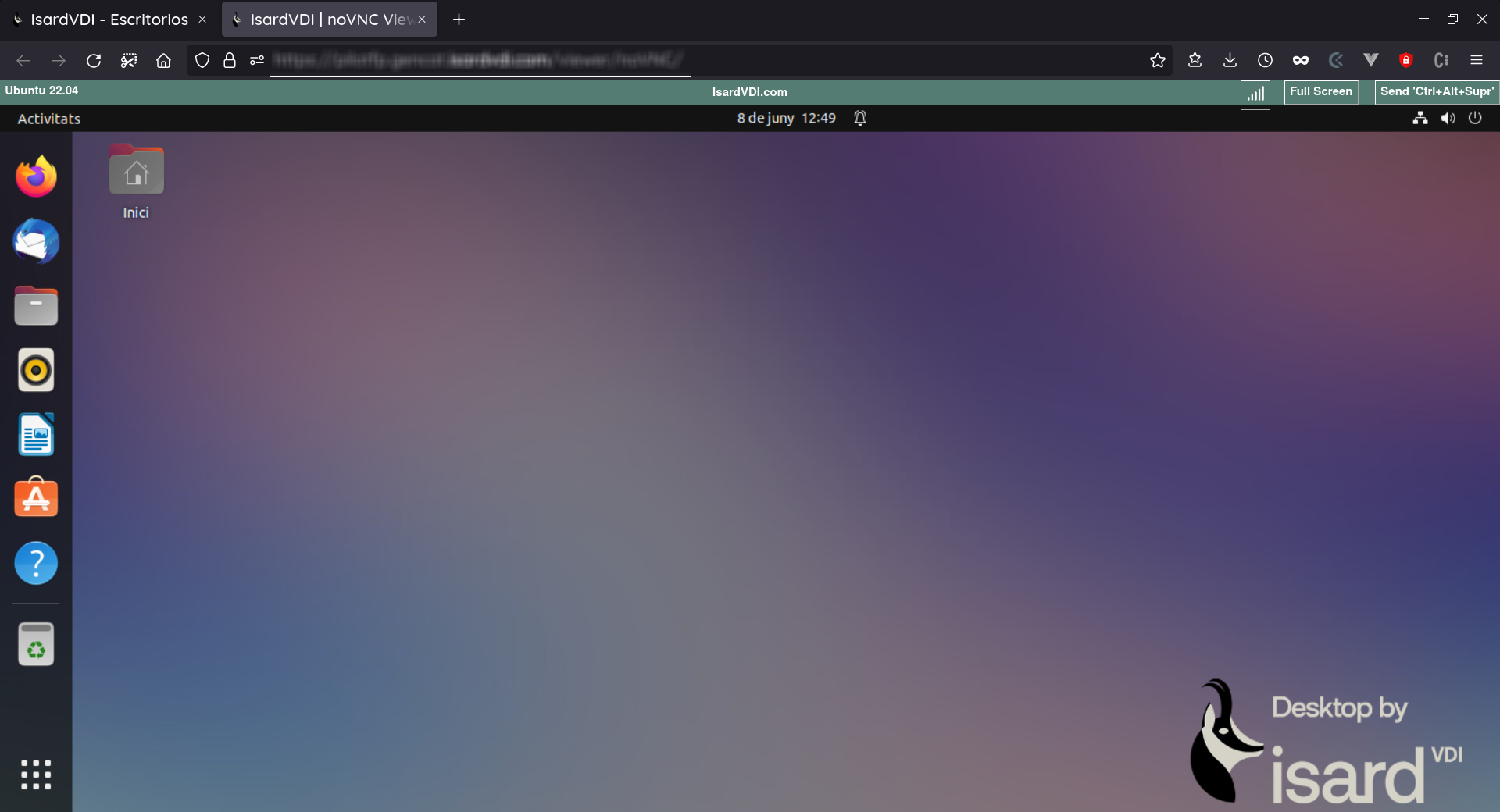
The desktop viewer opens in a new tab.
The VNC Browser option only appears on the card if the desktop has this viewer enabled in the Viewers section (Browser Viewers group) when editing the desktop. To change viewer, just choose another one in the same dropdown.