Analytics
Roles with access
Only administrators have access to all users. Managers can only see the users in their own category.
This section gives an overall view of resource usage on the platform, to help with decision-making and infrastructure optimization.
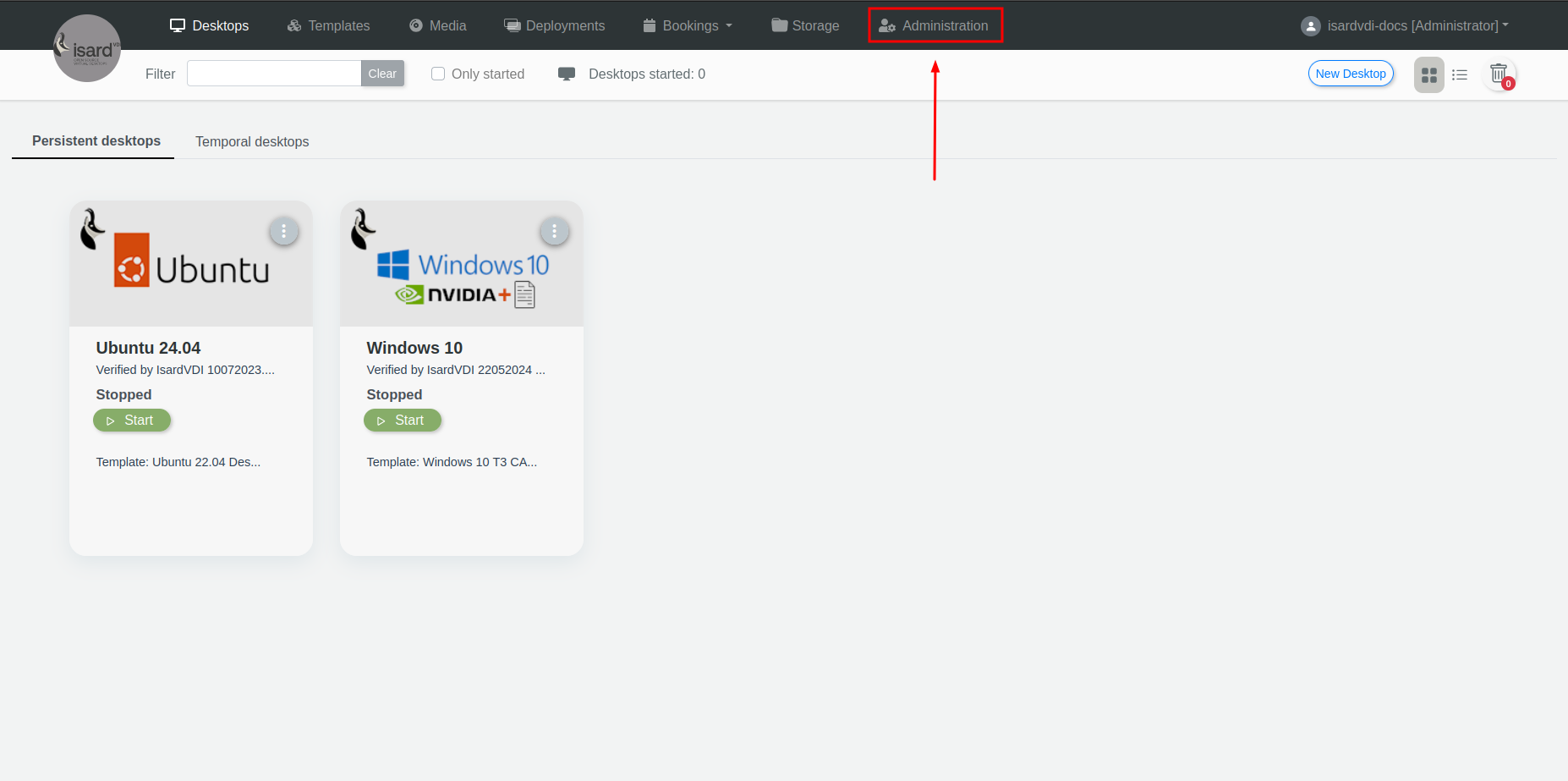
To access this section, follow these steps:
- Click the
 button.
- Click the
 button.
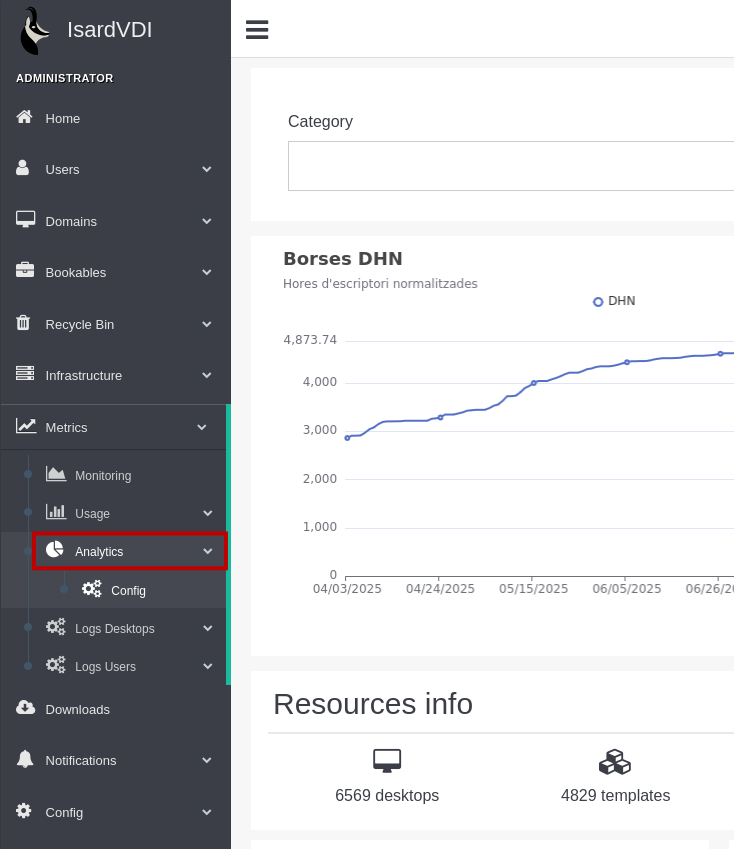
On this screen, you can filter by category in the corresponding field. If you are an administrator, you can select any category. If you are a manager, the information is automatically limited to your assigned category.

You can view the following information:
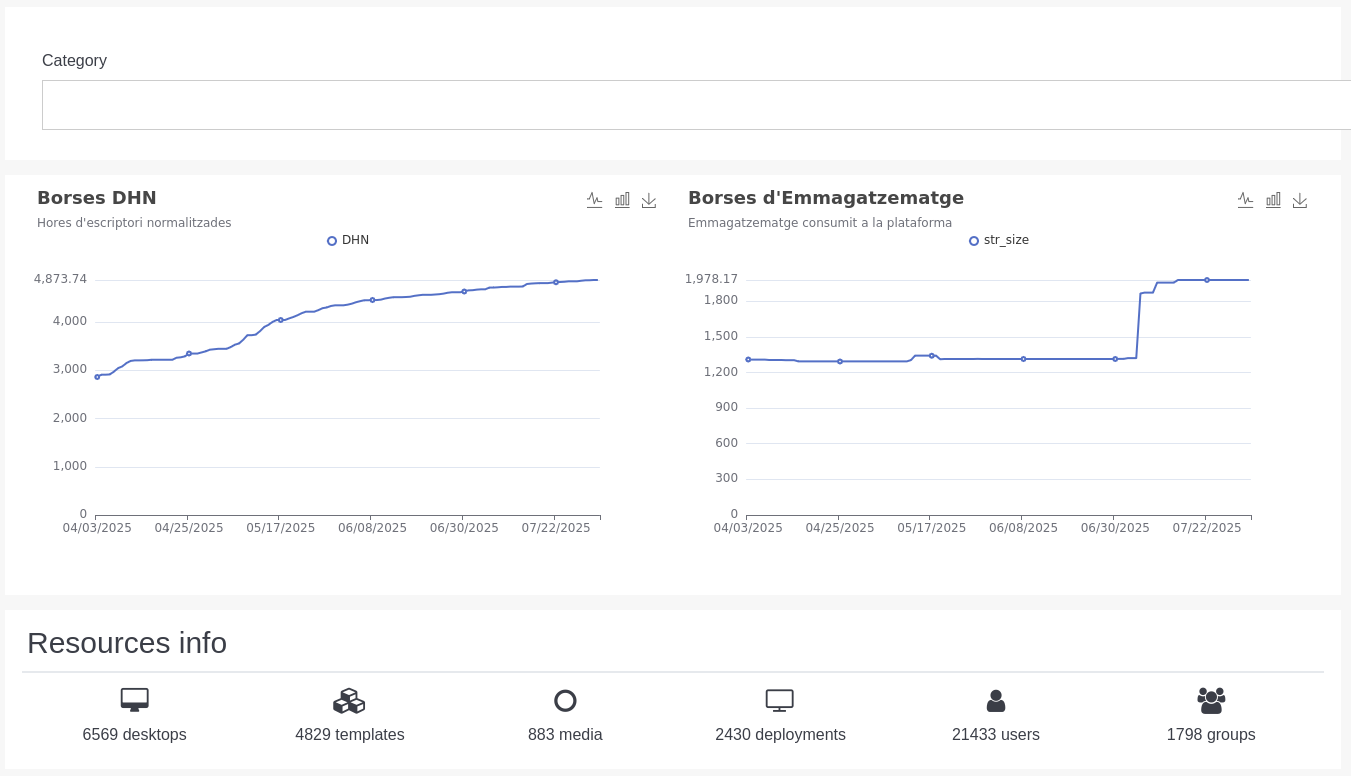
Charts of accumulated DHN (normalized desktop) hours and consumed storage.
The configuration of these charts is explained in the Usage - Config section.
Summary of the total resources on the platform, such as desktops, templates, media, deployments, users and groups.
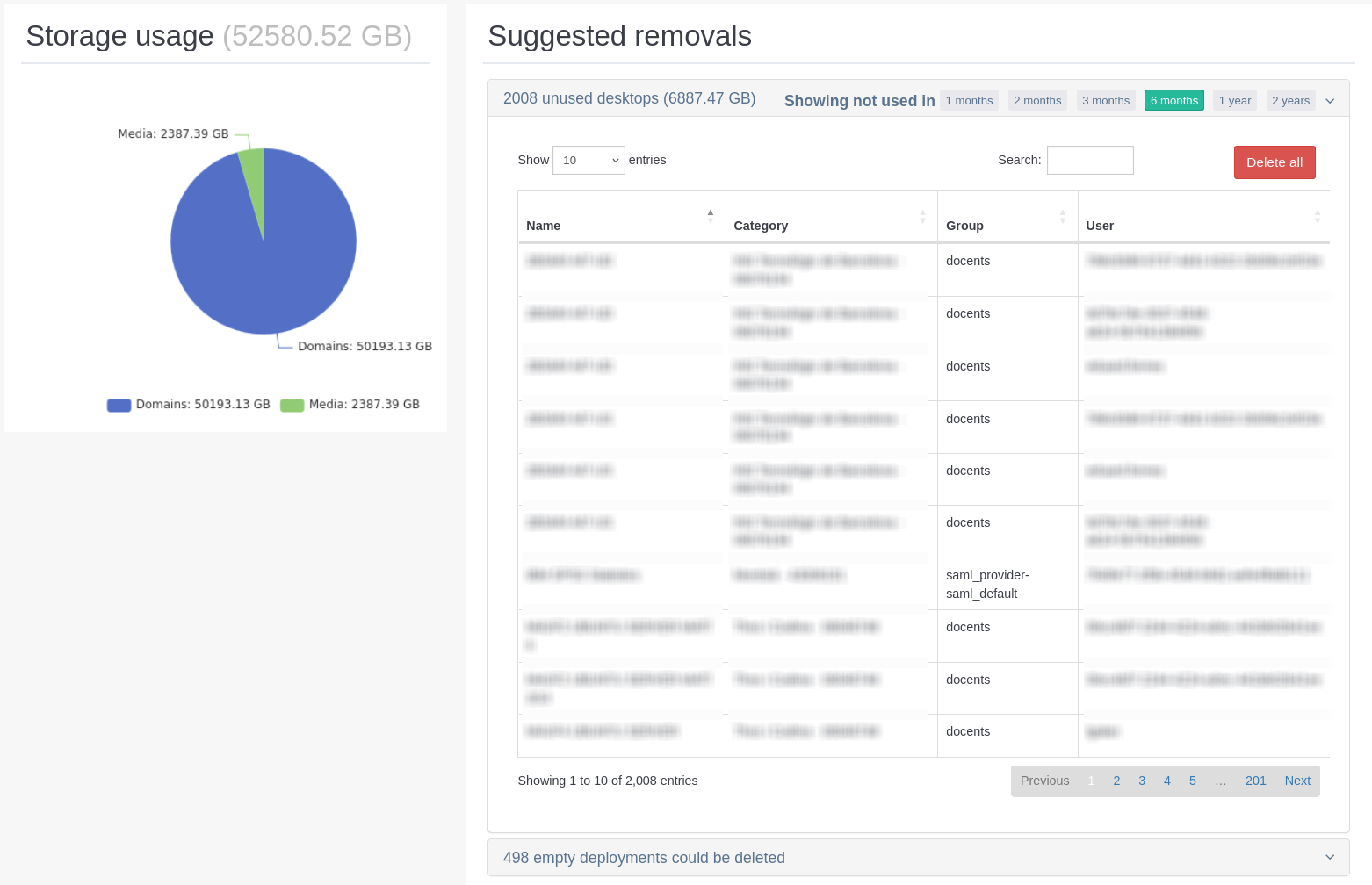
Storage distribution between media and domains (desktops, deployments and templates).
Cleanup suggestions: unused desktops («unused desktops», with the space they take up in GB) and empty deployments («empty deployments»).
Unused desktops can be filtered by inactivity period: 1, 2, 3 or 6 months (6 by default), or 1 or 2 years without use.
Clicking the Delete all  button and confirming sends all the desktops in the unused desktops table to the recycle bin, where they can be restored. To send a single desktop there, click the
 icon on its row. Empty deployments are only listed.