Booking summary
Roles with access
- Access to the section: the user, manager and administrator roles, from the menu. The advanced role does not have the Bookings entry in the side menu of the new interface; in the old interface it does.
- The Bookings entry only appears if bookings are enabled in the installation (
FRONTEND_SHOW_BOOKINGS=True, see Interface mode). The administrator always sees it.
In the top menu, the Bookings section. Administrators, and managers with the GPU planning permission, see a drop-down with Summary and Planning; all other users go straight to the summary.

In the side menu, the Bookings section. If the user is not an administrator, or a manager with the GPU planning permission, Bookings does not open any submenu and goes straight to the summary. With the permission, the submenu shows Summary and Planning.
Booking summary
The summary page is the same in both interfaces: the new interface opens the page of the old interface.
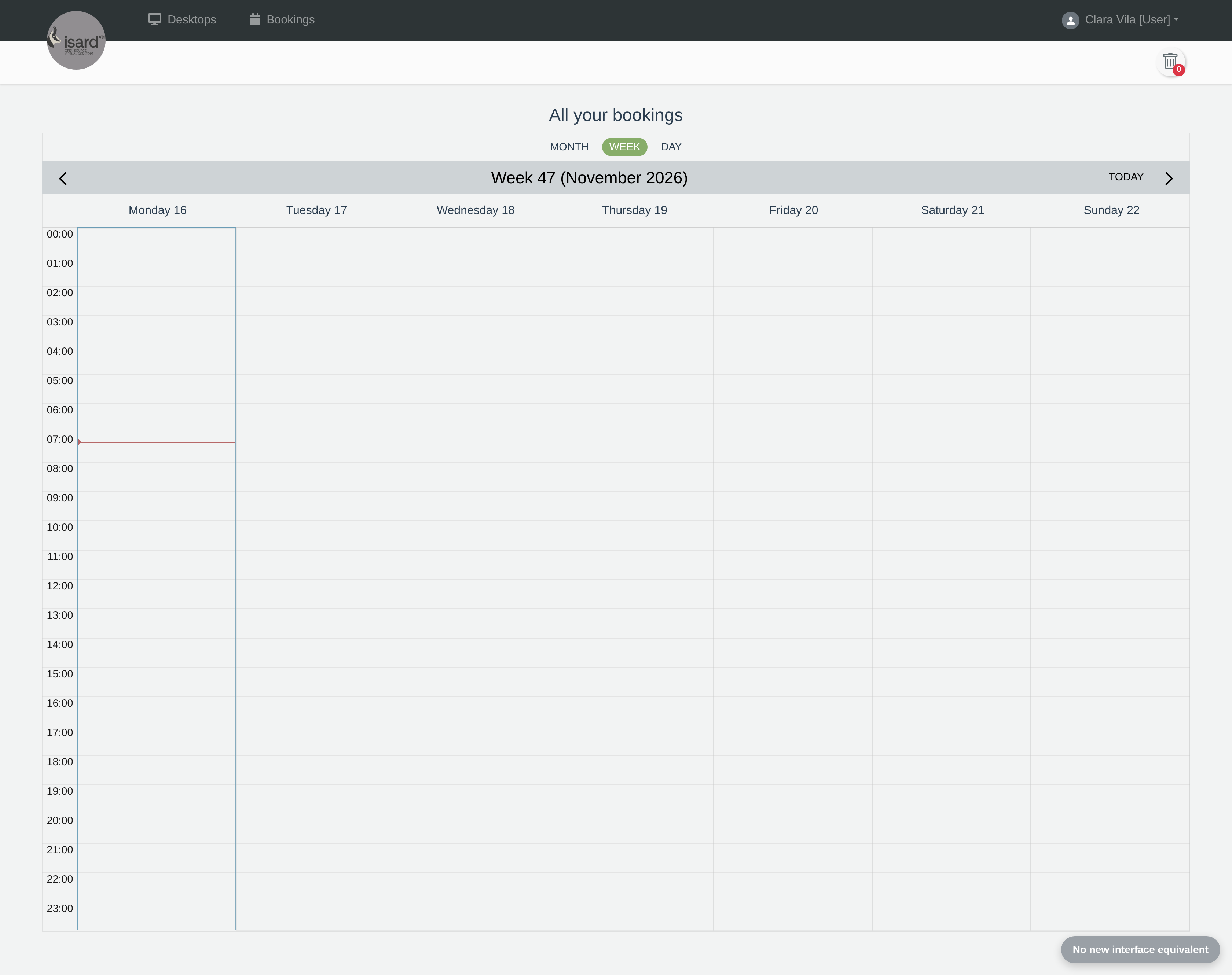
The page, titled «All your bookings», shows a calendar with the user's bookings. It opens in week view, from Monday to Sunday of the current week. You can switch between day, week and month view, and move forwards or backwards in time.
- Clicking a booking opens the View booking window with the title, the start date and time and the end date and time, read-only.
- Bookings cannot be created, modified or deleted from the summary. To do that, go to the bookings page of the desktop or the deployment (Book action). See Book desktop and Bookings.
- The summary also shows past bookings within the visible period.
- Times are shown in the browser's local time.