Installing Linkat 22.04 LTS
OS Installation
To turn an Ubuntu desktop into Linkat, follow the official instructions. From a desktop with Ubuntu 22.04 LTS installed:
$ wget http://download-linkat.xtec.cat/distribution/linkat-edu-22.04/main/linkat-install_22.04-3_all.deb
$ sudo dpkg -i linkat-install_22.04-3_all.deb
- Open the Linkat installer application.
- A terminal opens and asks for the administrator password.
- Select the lightdm (MATE) window manager.
- Restart the machine when finished.
Isard (admin role)
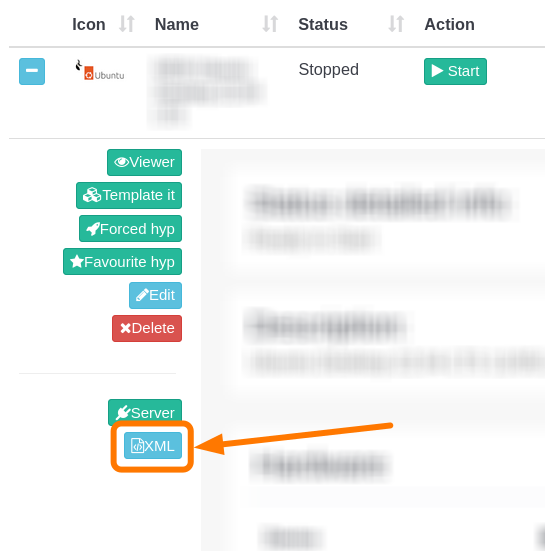
Modify desktop XML
Configuration
Service status
- AppArmor: active
- ufw firewall: active
- sshd: not installed
Terminal
Basic commands
$ sudo apt update
$ sudo apt upgrade -y
$ sudo apt install vim gedit vlc net-tools htop curl wget spice-vdagent qemu-guest-agent
Modify fstab
$ sudo vim /etc/fstab
for every "ext4" storage, define "noatime,discard"

UUID=xxxxx-xxxxx-xxxxxx /               ext4    defaults,noatime,discard,errors=remount-ro 0       1
Free up system space
Reduce swap memory
Reduce log storage
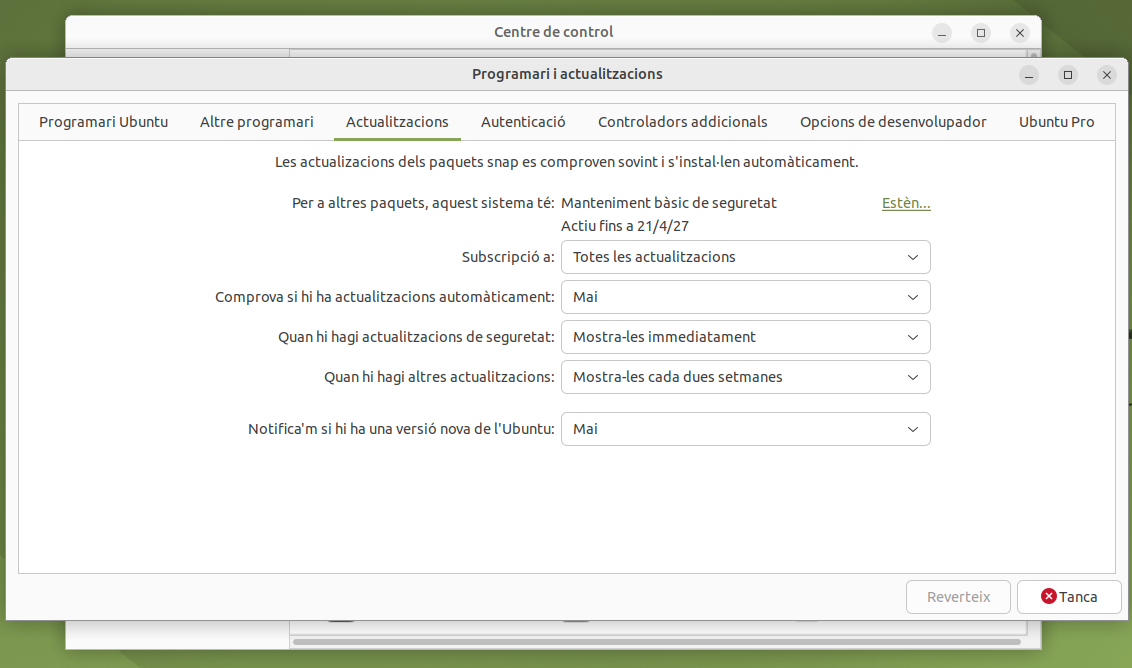
Disable automatic updates and new version notifications
$ sudo apt purge update-manager update-notifier*
$ sudo vim /etc/apt/apt.conf.d/50unattended-upgrades
Unattended-Upgrade::DevRelease "false";
$ sudo vim /etc/update-manager/release-upgrades
Prompt=never
$ sudo snap refresh --hold
$ sudo snap set system refresh.retain=3
Enable automatic user login
$ sudo vim /usr/share/lightdm/lightdm.conf.d/50-arctica-greeter.conf
# add next line to the end of file
autologin-user=isard
Enable remote access via RDP
$ sudo apt install xrdp
$ sudo systemctl enable xrdp
$ sudo systemctl restart xrdp

$ sudo vim /etc/X11/Xsession.d/80mate-environment
# add next line before 'fi' closes, last line inside conditional
unset DBUS_SESSION_BUS_ADDRESS
Screen resizing
$ sudo echo 'ACTION=="change",KERNEL=="card0", SUBSYSTEM=="drm", RUN+="/usr/local/bin/x-resize"' > /etc/udev/rules.d/50-x-resize.rules
$ sudo vim /usr/local/bin/x-resize
#! /bin/sh
PATH=/usr/bin
export DISPLAY=:0.0
xrandr --output "$(xrandr | awk '/ connected/{print $1; exit; }')" --auto

$ sudo chmod 744 /usr/local/bin/x-resize
Remove unused kernel images
$ sudo dpkg --get-selections | grep linux-image
$ sudo uname -a
$ sudo apt-get purge linux-image-5.19.0-32-generic
$ sudo apt-get purge linux-image-generic-hwe-22.04
System settings
Administration - Software and updates
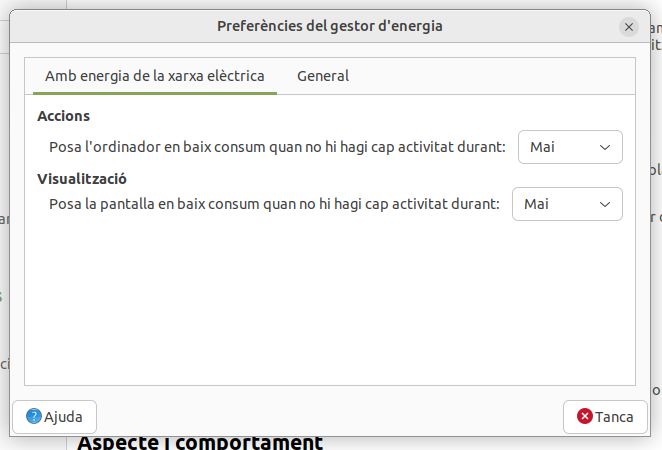
Hardware - Power manager
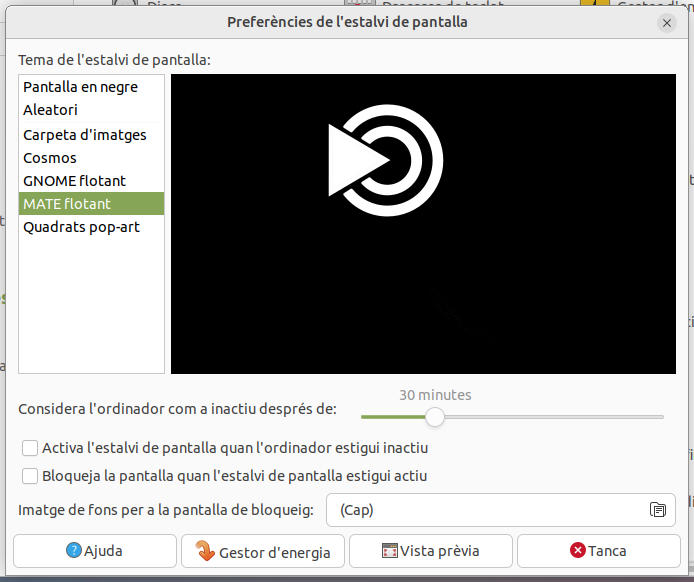
Appearance and behavior - Screen saver
Customization
Terminal
Change the login screen background
$ sudo vim /usr/share/glib-2.0/schemas/30_ubuntu-mate.gschema.override
background='/path/to/wallpaper'
$ sudo glib-compile-schemas /usr/share/glib-2.0/schemas/
System parameters
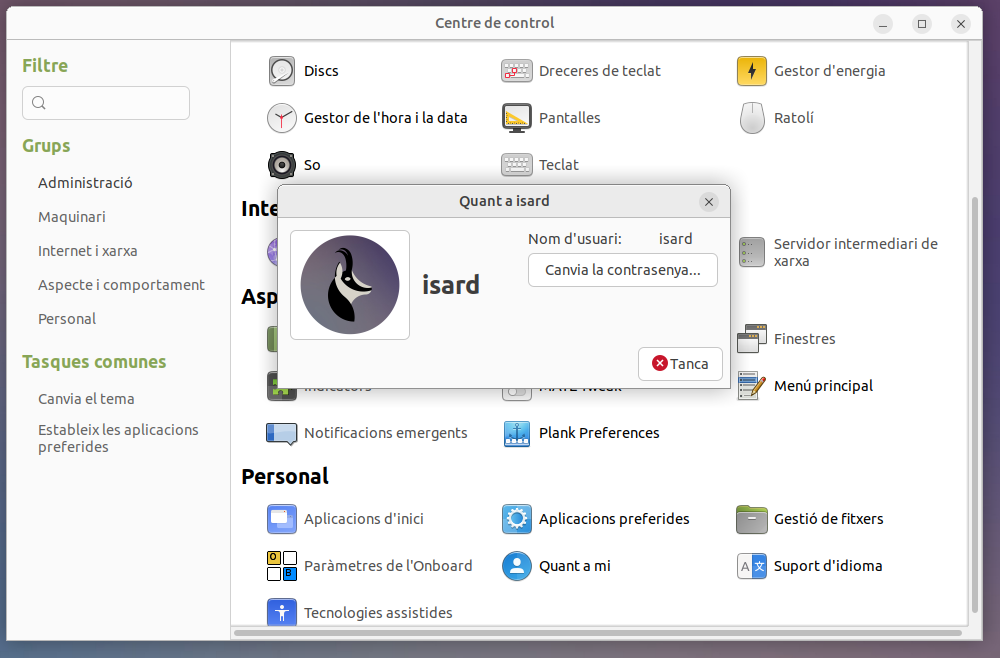
Personal - About me