Installing Ubuntu Desktop 22.04 Jammy Jellyfish (GNOME and MATE)
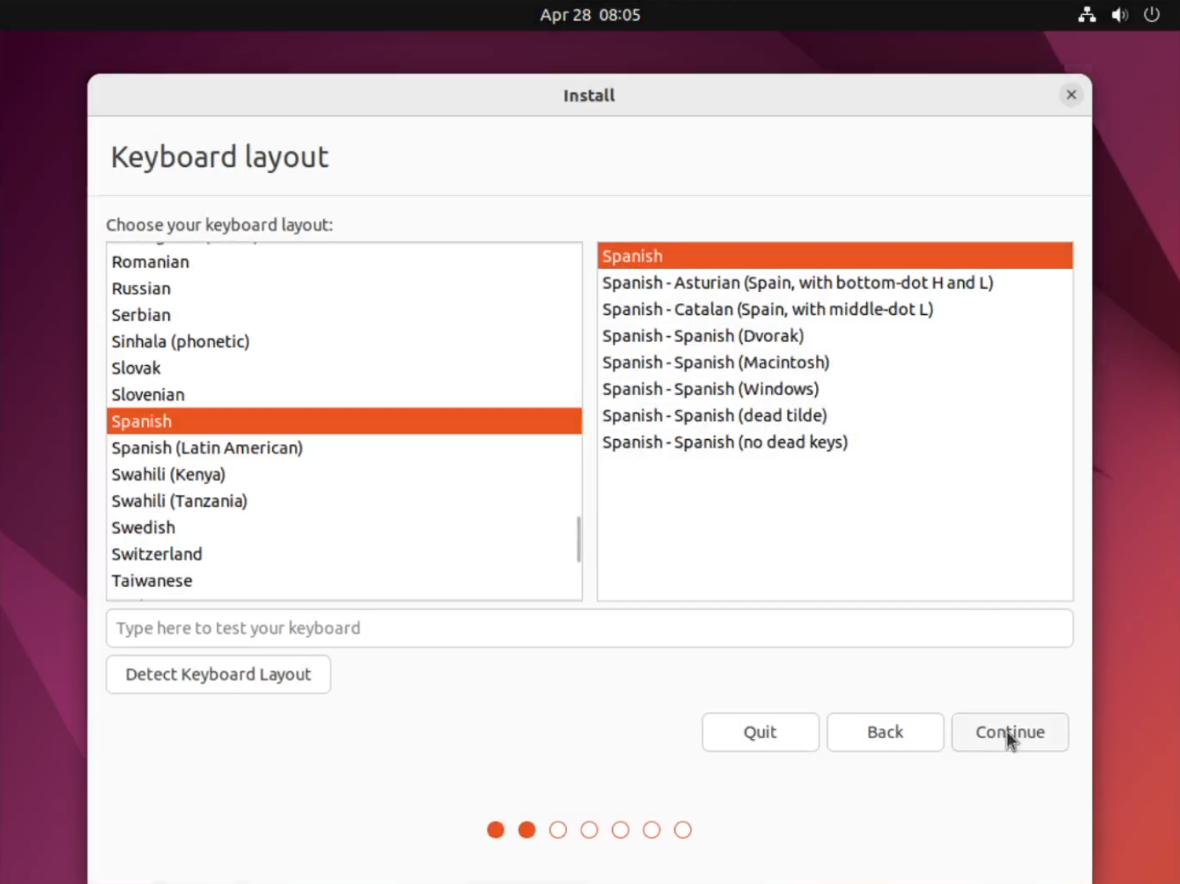
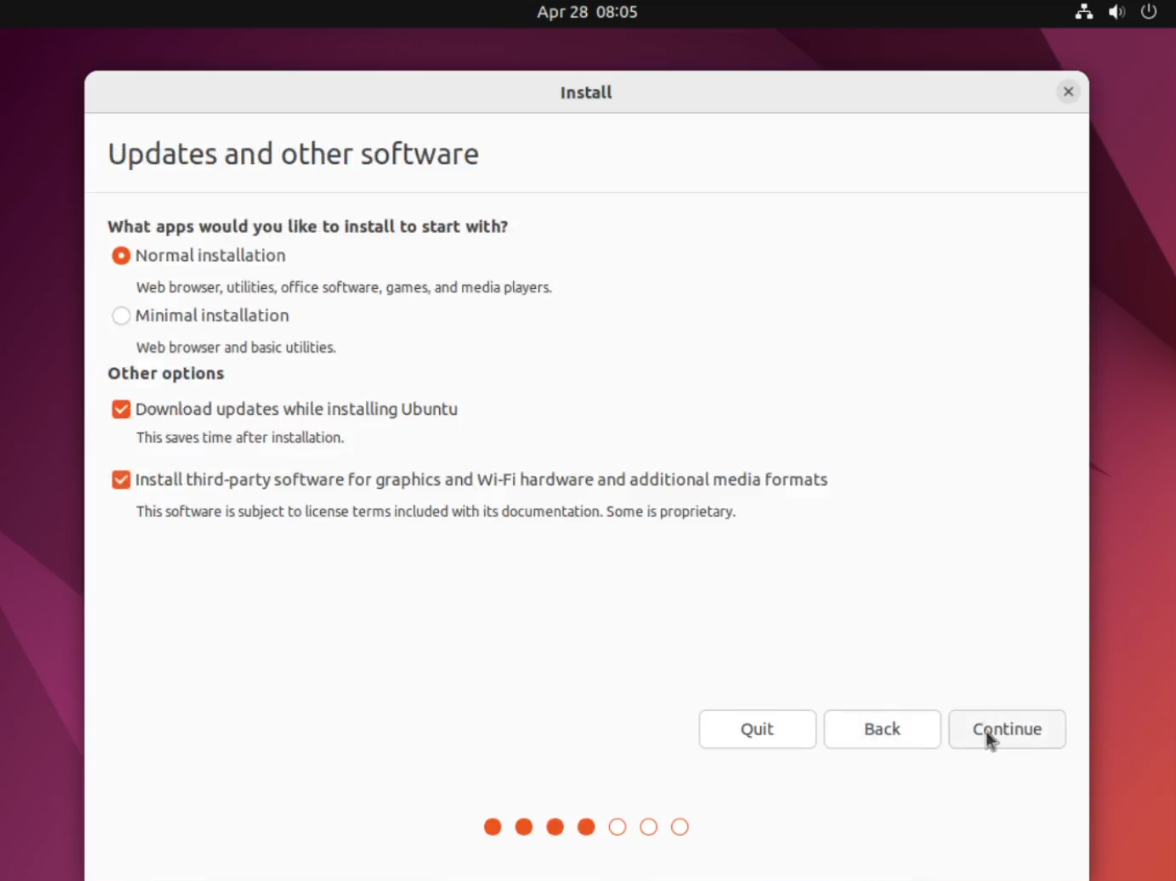
OS Installation
Modifying the Desktop XML
In IsardVDI, edit the desktop XML (only the administrator role has access to it) and add the following <driver> attribute inside the <disk> element:
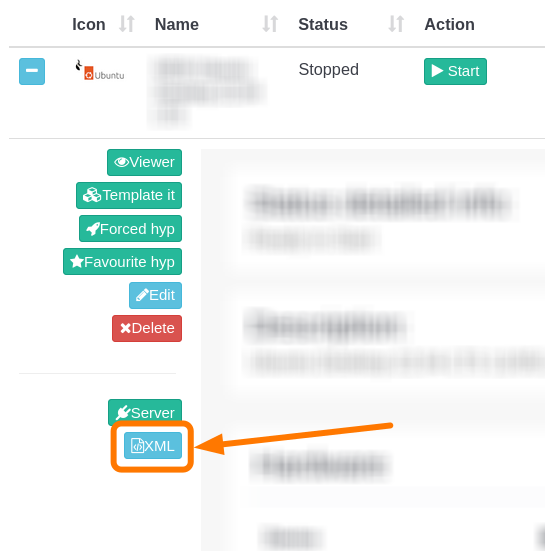
This enables discard=unmap (required for TRIM to take effect on the storage) and cache=unsafe (faster for desktops that do not require persistence after a host failure).
GNOME
Configuration
Terminal
Basic commands
sudo apt update
sudo apt upgrade -y
sudo apt install vim gedit vlc net-tools htop curl wget spice-vdagent qemu-guest-agent tree traceroute
Modify the fstab file
sudo vim /etc/fstab

# For each "ext4" file system, define "noatime,discard"
#UUID=xxxxx-xxxxx-xxxxxx /               ext4    defaults,noatime,discard,errors=remount-ro 0       1
Free up system space
Reduce swap memory usage
Reduce space allocated to system logs
sudo vim /etc/systemd/journald.conf

# Uncomment the following parameters and assign them the indicated values:
#SystemMaxUse=20M
#SystemKeepFree=4G
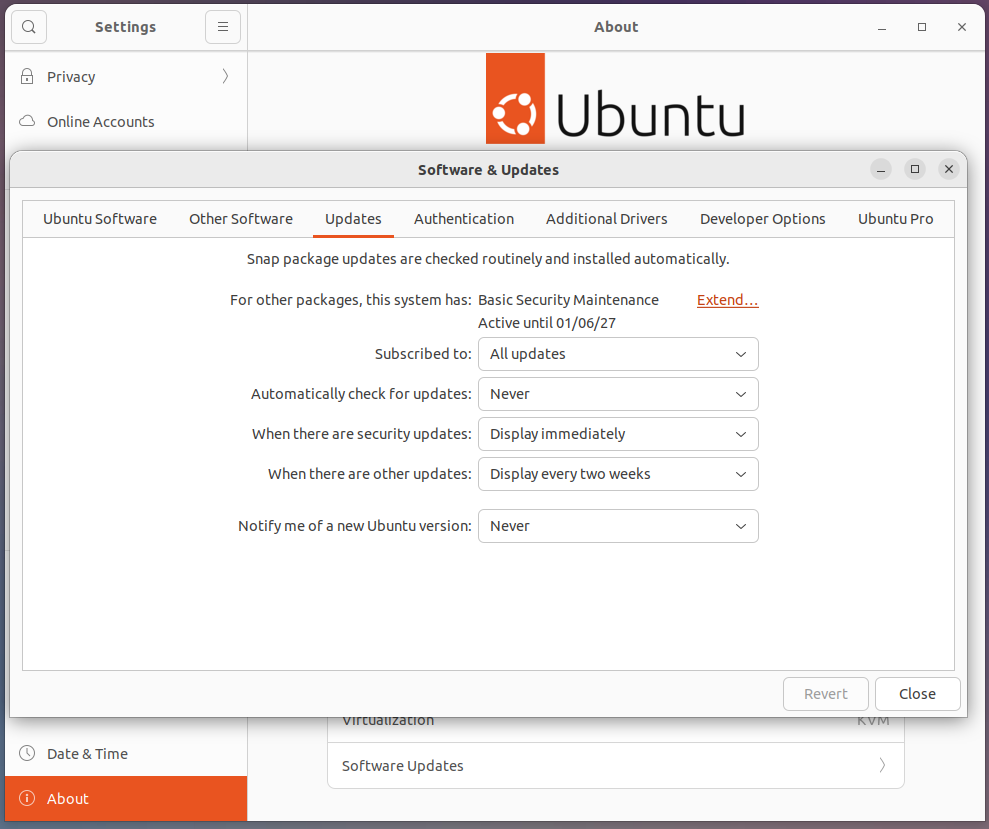
Disable automatic updates and new update notifications
# Remove update-manager and notifiers
sudo apt purge -y update-manager update-notifier*

# Avoid development version updates
echo 'Unattended-Upgrade::DevRelease "false";' | \
sudo tee /etc/apt/apt.conf.d/50unattended-upgrades

# Lock version updates
echo -e "[DEFAULT]\nPrompt=never" | \
sudo tee /etc/update-manager/release-upgrades

# Disable automatic APT updates
sudo tee /etc/apt/apt.conf.d/20auto-upgrades >/dev/null <<'EOF'
APT::Periodic::Update-Package-Lists "0";
APT::Periodic::Unattended-Upgrade "0";
EOF

# Disable update services
sudo systemctl disable --now \
    unattended-upgrades.service \
    apt-daily.timer \
    apt-daily-upgrade.timer \
    apt-daily.service \
    apt-daily-upgrade.service \
    fwupd-refresh.timer \
    ModemManager.service \
    packagekit.service \
    motd-news.timer 2>/dev/null

# Lock them completely
sudo systemctl mask \
    unattended-upgrades.service \
    apt-daily.timer \
    apt-daily-upgrade.timer \
    fwupd-refresh.timer \
    ModemManager.service \
    packagekit.service \
    motd-news.timer 2>/dev/null
Settings
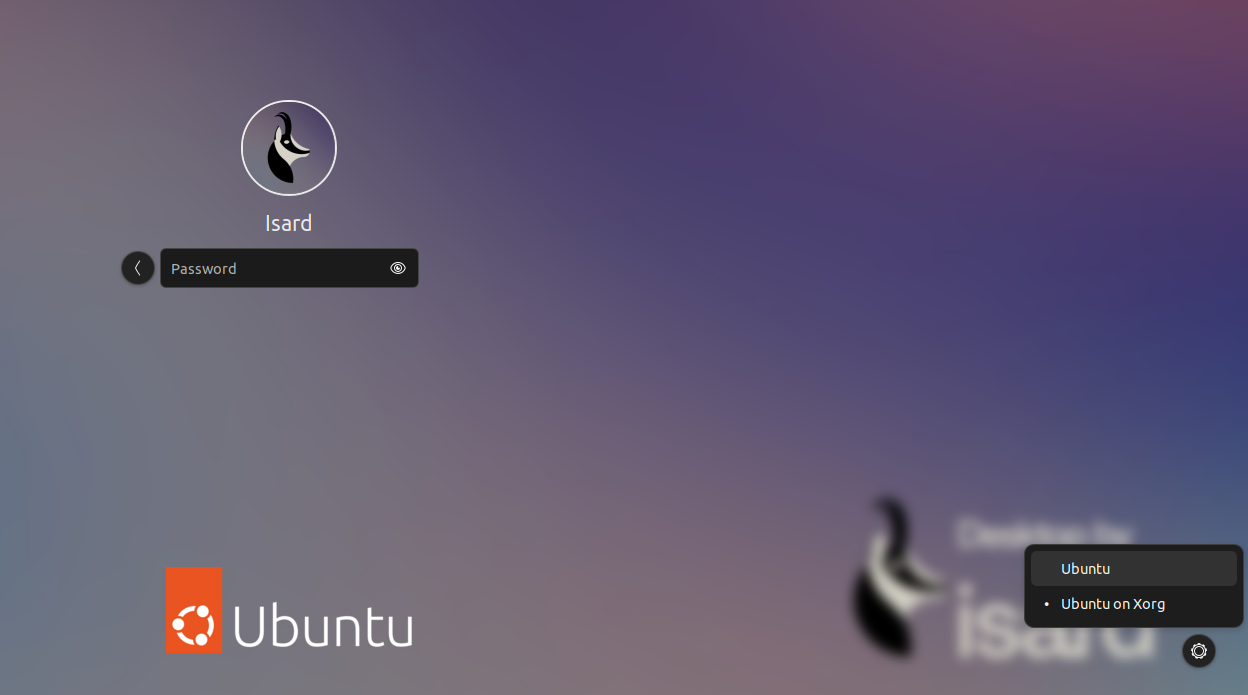
Login - Ubuntu with Xorg
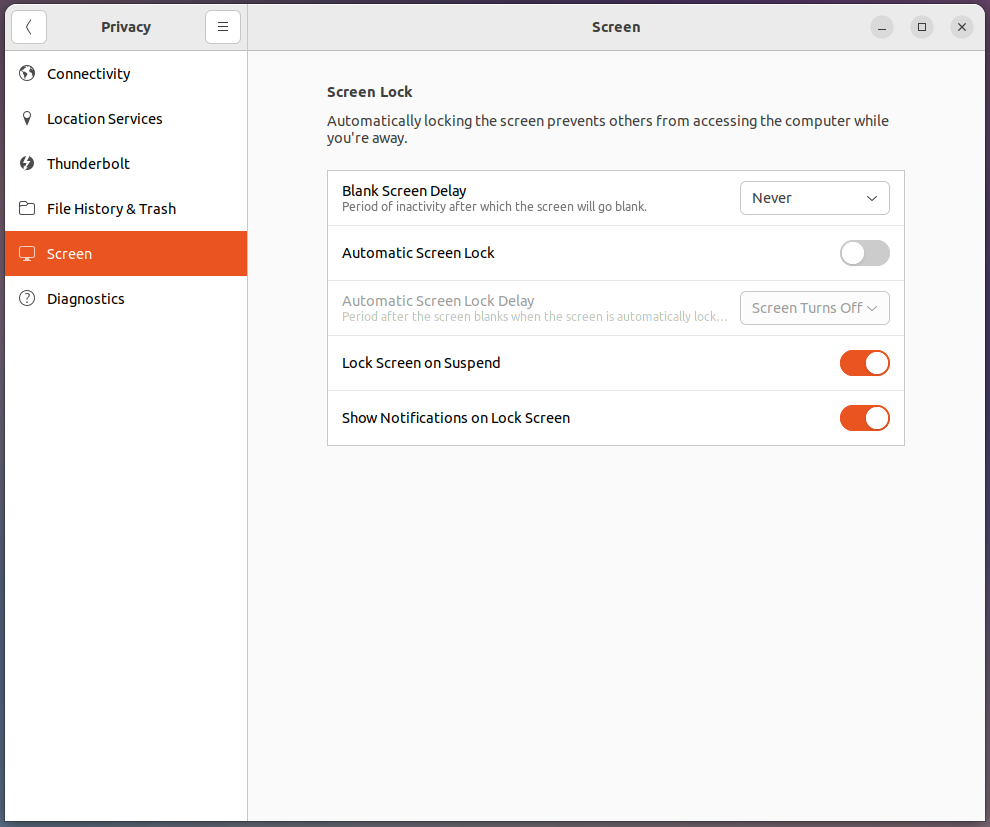
Privacy - Screen
Sharing - Remote Desktop
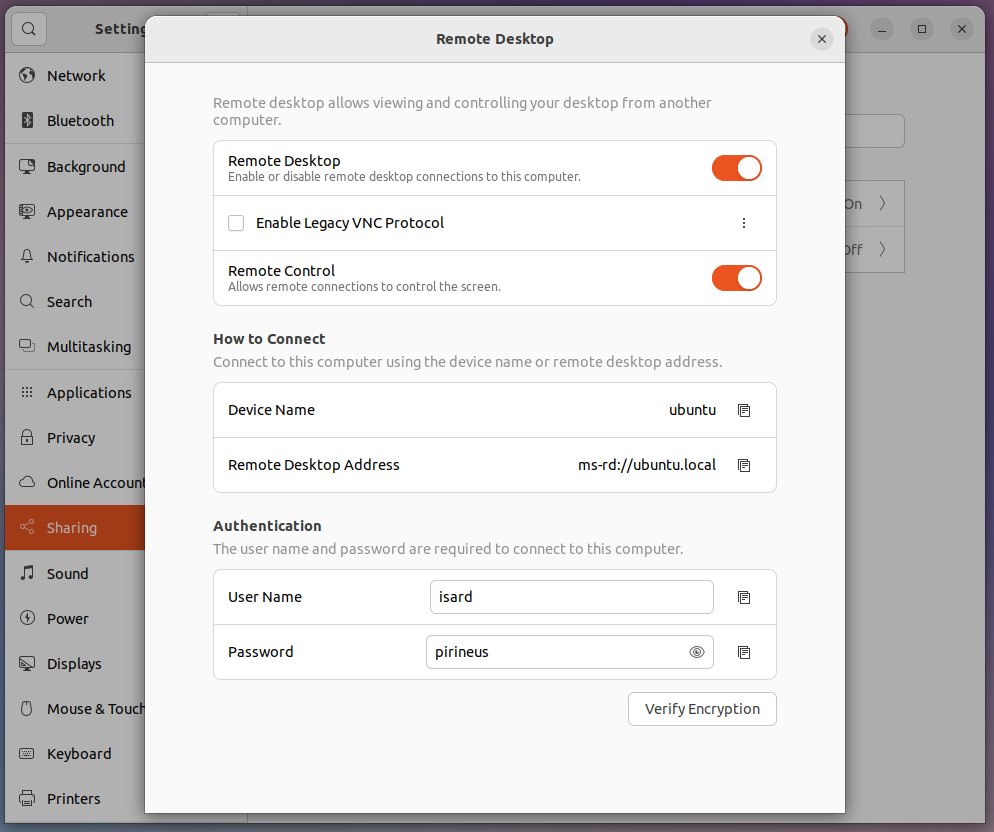
Leave the requested new password blank or apply RDP activation.
About - Software Updates
Customization
Terminal
Change the login screen background
sudo apt install libglib2.0-dev-bin
wget -qO - https://github.com/PRATAP-KUMAR/ubuntu-gdm-set-background/archive/main.tar.gz | tar zx --strip-components=1 ubuntu-gdm-set-background-main/ubuntu-gdm-set-background
sudo ./ubuntu-gdm-set-background --image /PATH/TO/YOUR/IMAGE
Settings
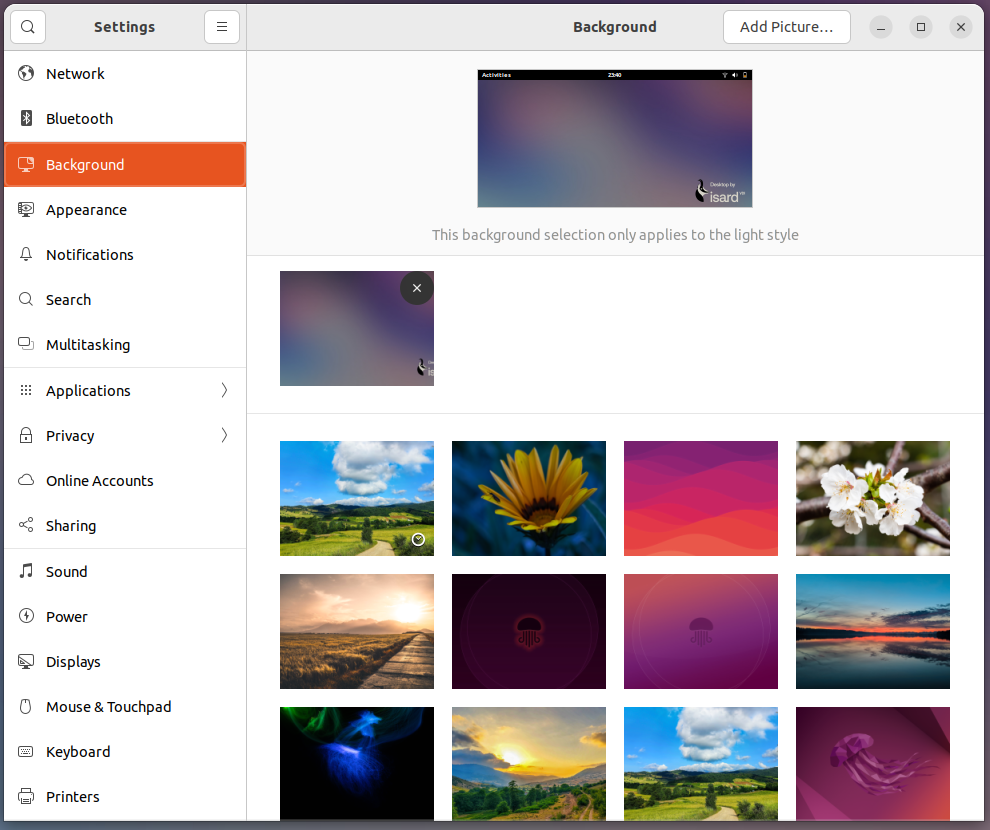
Background
Users
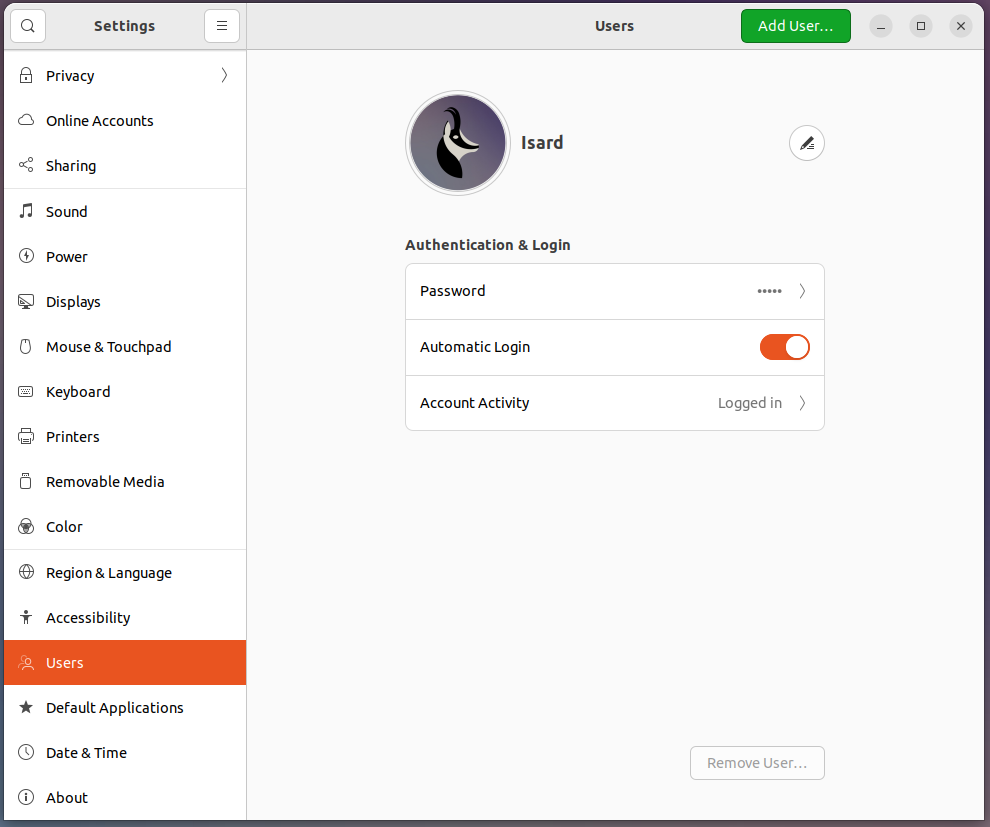
Template creation
To create a template from this configuration, run the following instructions just before shutting down the machine.
Clear the terminal history:
If Firefox was used during configuration and any searches were performed, it is also recommended to clear its history.
MATE
Configuration
Terminal
Basic commands
sudo apt update
sudo apt upgrade -y
sudo apt install vim gedit vlc net-tools htop curl wget spice-vdagent qemu-guest-agent tree traceroute
Modify the fstab file
sudo vim /etc/fstab

# For each "ext4" file system, define "noatime,discard"
#UUID=xxxxx-xxxxx-xxxxxx /               ext4    defaults,noatime,discard,errors=remount-ro 0       1
Free up space on the system
Reduce swap memory usage
Reduce space allocated for system logs
sudo vim /etc/systemd/journald.conf

# Uncomment the following parameters and assign them the indicated values:
#SystemMaxUse=20M
#SystemKeepFree=4G
Disable automatic updates and new update notifications
# Remove update-manager and notifiers
sudo apt purge -y update-manager update-notifier*

# Avoid development version updates
echo 'Unattended-Upgrade::DevRelease "false";' | \
sudo tee /etc/apt/apt.conf.d/50unattended-upgrades

# Lock version updates
echo -e "[DEFAULT]\nPrompt=never" | \
sudo tee /etc/update-manager/release-upgrades

# Disable APT automatic updates
sudo tee /etc/apt/apt.conf.d/20auto-upgrades >/dev/null <<'EOF'
APT::Periodic::Update-Package-Lists "0";
APT::Periodic::Unattended-Upgrade "0";
EOF

# Disable update services
sudo systemctl disable --now \
    unattended-upgrades.service \
    apt-daily.timer \
    apt-daily-upgrade.timer \
    apt-daily.service \
    apt-daily-upgrade.service \
    fwupd-refresh.timer \
    ModemManager.service \
    packagekit.service \
    motd-news.timer 2>/dev/null

# Lock them completely
sudo systemctl mask \
    unattended-upgrades.service \
    apt-daily.timer \
    apt-daily-upgrade.timer \
    fwupd-refresh.timer \
    ModemManager.service \
    packagekit.service \
    motd-news.timer 2>/dev/null
Enable automatic user login
sudo vim /usr/share/lightdm/lightdm.conf.d/50-arctica-greeter.conf

# Add the following line to the end of the file
autologin-user=isard
Enable access via RDP
sudo apt install xrdp
sudo systemctl enable xrdp
sudo systemctl restart xrdp

sudo vim /etc/X11/Xsession.d/80mate-environment

# Add the following line before the final "fi",
# as the last line inside the conditional
unset DBUS_SESSION_BUS_ADDRESS
System parameters
Administration - Software and updates
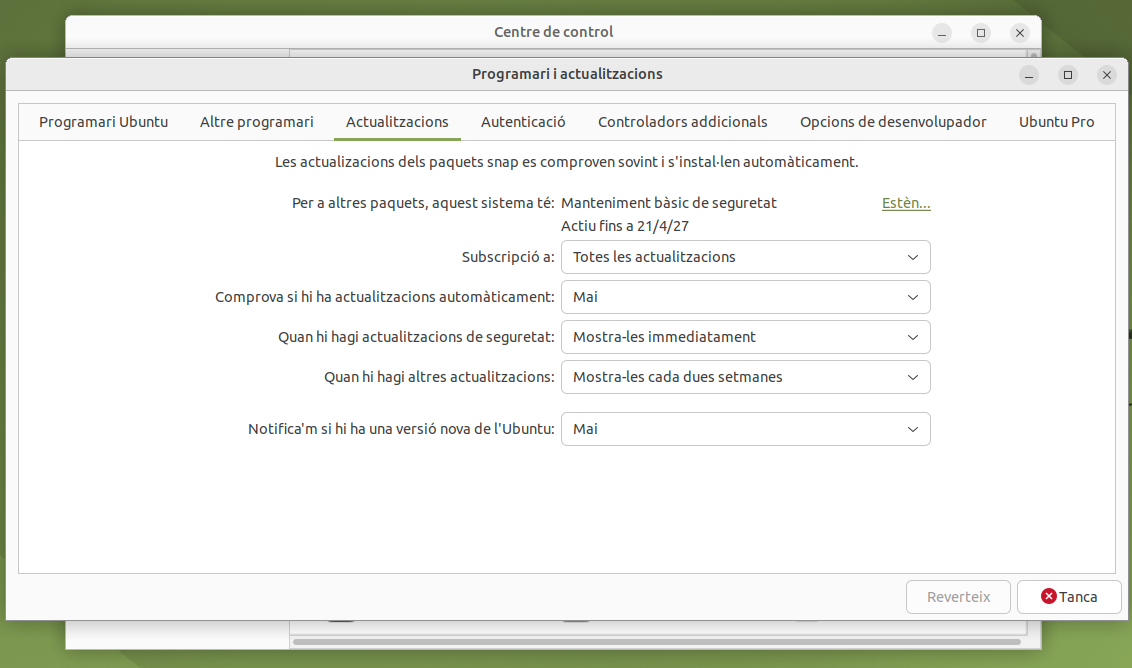
Hardware - Power manager
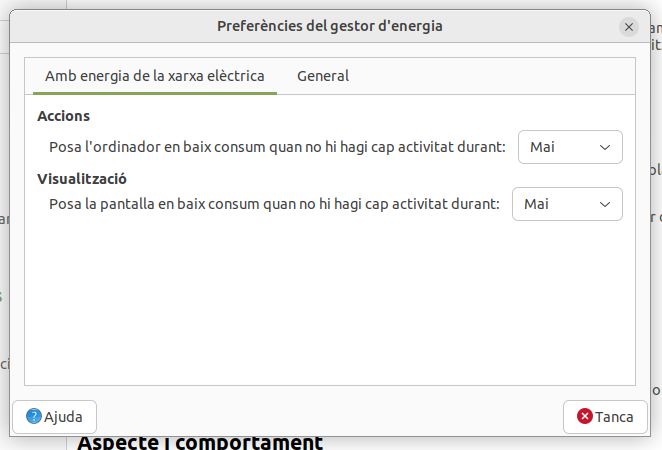
Appearance and behavior - Screen saver
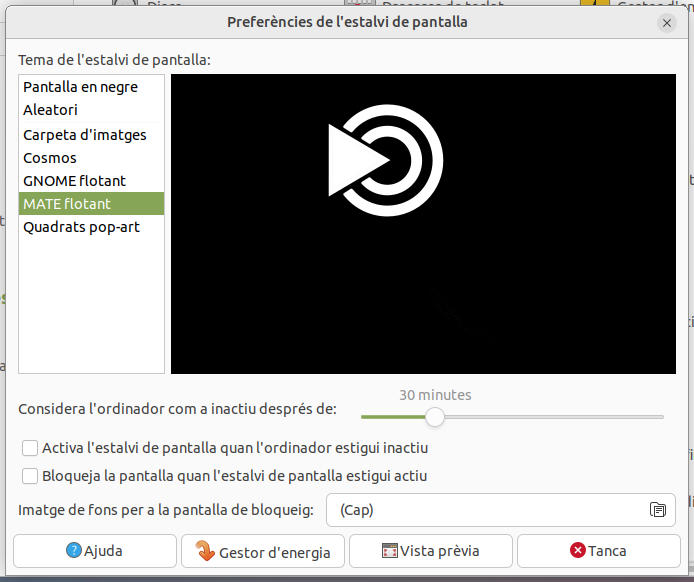
Customization
Terminal
Change the login screen background
$ sudo vim /usr/share/glib-2.0/schemas/30_ubuntu-mate.gschema.override
background='/path/to/wallpaper'
$ sudo glib-compile-schemas /usr/share/glib-2.0/schemas/
System parameters
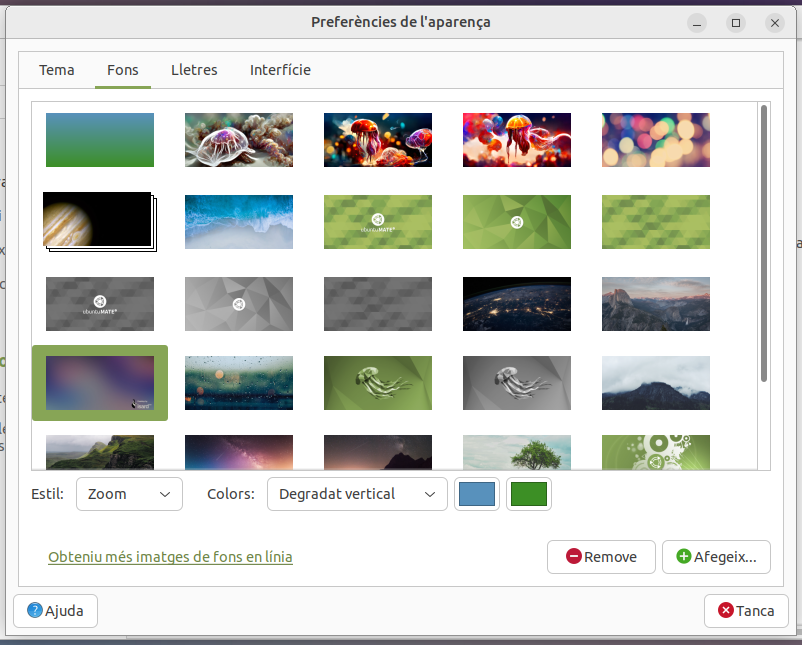
Appearance and behavior - Appearance - Background
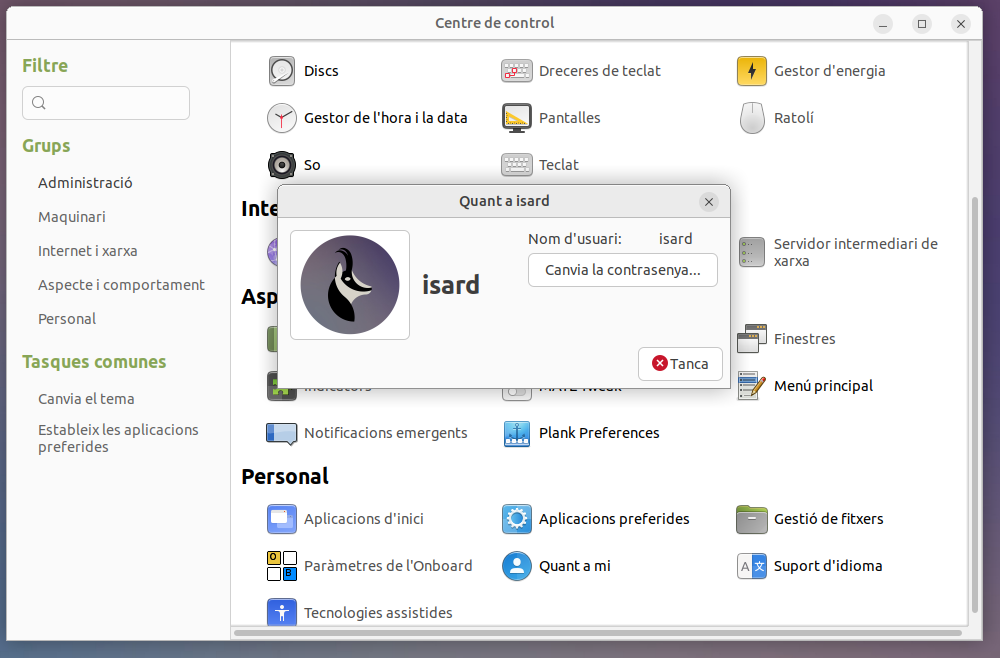
Personal - About me
Creating the template
To create a template from this configuration, run the following instructions just before permanently shutting down the machine.
Clear the terminal history:
If Firefox was used during the configuration and any searches were made, it is also recommended to clear its history.