Shared deployments
Roles with access
- Access to the section: all roles (user, advanced, manager and administrator). It lists the deployments that other people have shared with the account.
Video: section walkthrough
This feature is only available in the new interface (new interface).
Deployments that other people have shared with the account are listed in the Shared with you section:
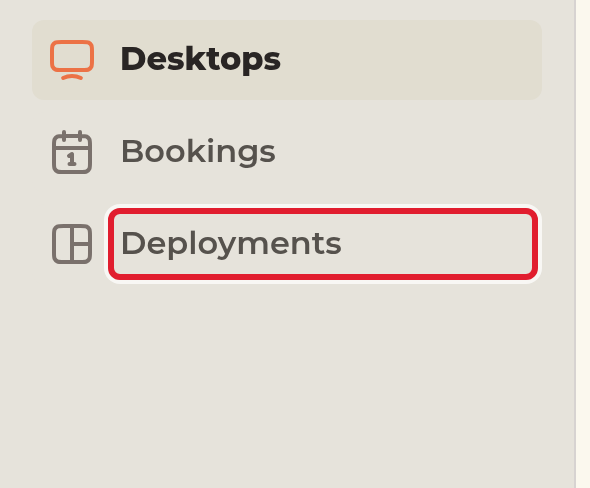
- With the user role, the sidebar shows a single entry Deployments that opens this screen directly.
- With the advanced, manager, and administrator roles, it is located within the Deployments group in the sidebar, under the Shared with you subsection (next to Owned by you, which contains your own deployments).
Information
This feature is only available in the new interface (new interface).
The screen displays a card for each deployment shared with the account. Each card shows who shared it, along with the deployment's name and description. At the top there is the Search deployments search bar and the Status filter with the Started option (with no filter active, all of them are shown).
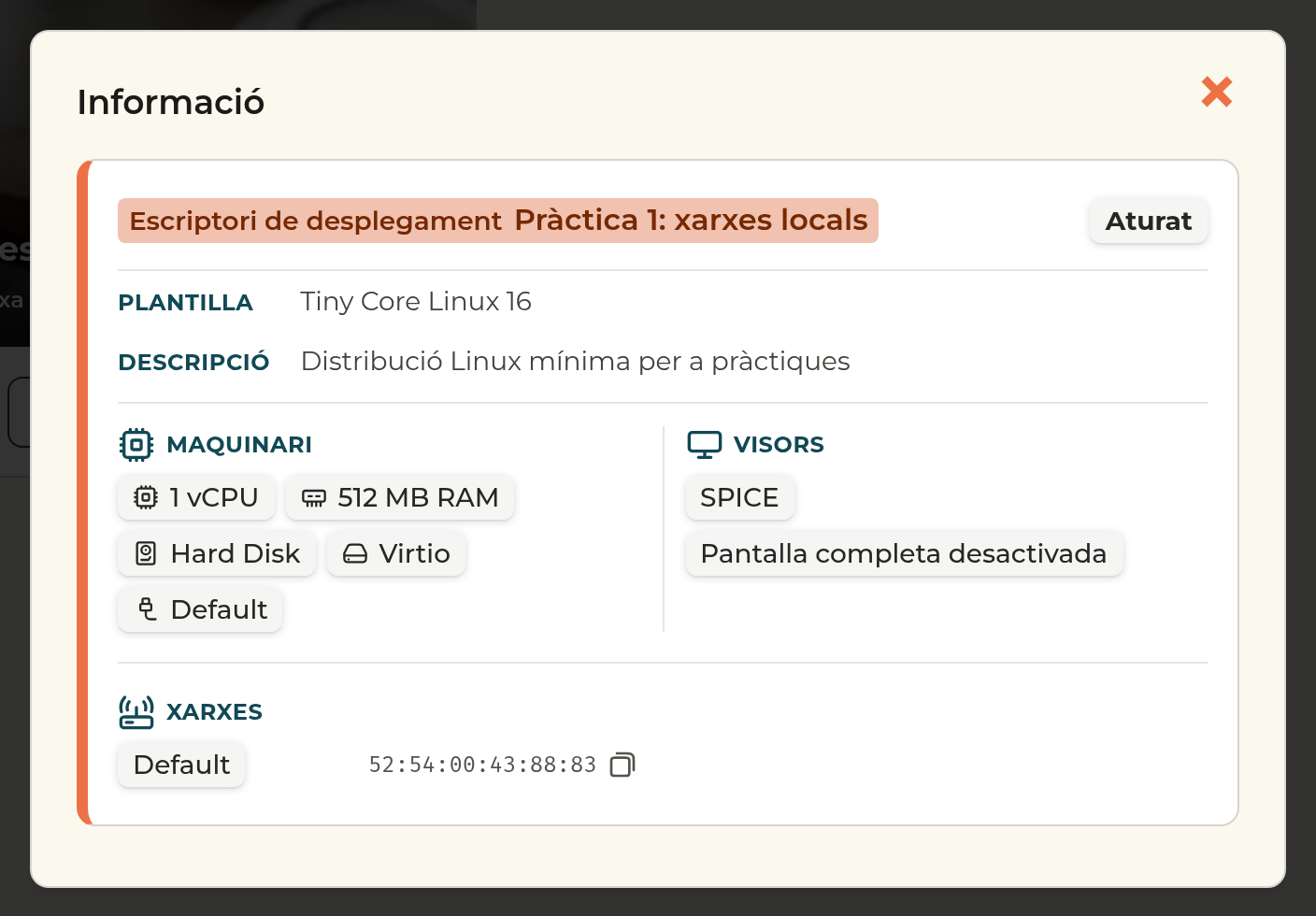
To view the configuration of the deployment's desktops, click the information icon (Information) on the card. A panel opens showing the current status (such as «Stopped»), the Template and the Description, the Hardware resources, the Viewers (such as SPICE), the associated Networks, and whether Full screen is enabled.
Conditions and messages
- The Viewers information shows whether full screen is enabled («Fullscreen disabled» if it is not).
- A deployment only appears in the list if its owner has made at least one of its desktops visible (see Desktop visibility). Inside the deployment, each user only sees their own visible desktops.
- The list includes the deployments shared with the user directly or with their main group.
Development details
For those developing or integrating IsardVDI: where each element of this section is located in the code, from which version it is available, which API operation it calls, and what messages it may return.
- New interface · file
views/SharedDeploymentsView.vue:214· interface text (translation key)components.desktops.desktop-card.actions.info- since v17.0.0 (2026-04-24,
f31b874d89) - on click:
user?.id && fetchAndOpenDeploymentDesktopsModal({ deploymentId: deployment.id, userId: user.id })
- since v17.0.0 (2026-04-24,
Commit code fe99ad98.
Log in
This feature is only available in the new interface (new interface).
On each card, the Enter button opens the shared deployment to work in it.
Conditions and messages
- The Enter button is only shown when there are no deployment errors.
- Clicking it opens the «Deployment» page.
Development details
For those who develop or integrate IsardVDI: where each element of this section is located in the code, since which version it has been available, which API operation it calls, and what messages it can return.
- New interface · file
views/ViewDeploymentView.vue:389· interface text (translation key)common.actions.info- since v17.46.1 (2026-09-29,
80bfbcca4f) - on click:
openDeploymentInfoModal()
- since v17.46.1 (2026-09-29,
- New interface · file
views/ViewDeploymentView.vue:524· interface text (translation key)components.stop-all-desktops-modal.nothing-to-stop- since v17.35.2 (2026-09-09,
c71bfb93b6) - on click:
openStopAllDesktopsModal
- since v17.35.2 (2026-09-09,
- New interface · file
views/ViewDeploymentView.vue:424· interface text (translation key)views.view-deployment.sections.viewer.actions.minimize- since v17.17.0 (2026-08-11,
f12373f0c5) - on click:
fullScreen = !fullScreen
- since v17.17.0 (2026-08-11,
- New interface · file
views/SharedDeploymentsView.vue:242· interface text (translation key)views.deployment.buttons.enter- since v17.0.0 (2026-04-24,
f31b874d89) - on click:
router.push({ name: 'view-deployment', params: { deploymentId: deployment.id } }) - call:
navigation to the «view-deployment» route
- since v17.0.0 (2026-04-24,
- New interface · file
views/ViewDeploymentView.vue:411· interface text (translation key)views.view-deployment.sections.viewer.actions.close- since v17.17.0 (2026-04-23,
f2160e6e11) - on click:
resetViewer()
- since v17.17.0 (2026-04-23,
- New interface · file
views/ViewDeploymentView.vue:501· interface text (translation key)views.view-deployment.sections.desktops.title- since v17.17.0 (2026-04-23,
f2160e6e11)
- since v17.17.0 (2026-04-23,
- New interface · file
views/ViewDeploymentView.vue:516· interface text (translation key)views.view-deployment.sections.desktops.actions.stop-all.label- since v17.17.0 (2026-04-23,
f2160e6e11) - on click:
openStopAllDesktopsModal
- since v17.17.0 (2026-04-23,
- New interface · file
views/ViewDeploymentView.vue:523· interface text (translation key)views.view-deployment.sections.desktops.actions.stop-all.tooltip- since v17.17.0 (2026-04-23,
f2160e6e11) - on click:
openStopAllDesktopsModal
- since v17.17.0 (2026-04-23,
- New interface · file
views/ViewDeploymentView.vue:548· interface text (translation key)views.view-deployment.sections.desktops.actions.book.tooltip- since v17.17.0 (2026-04-23,
f2160e6e11)
- since v17.17.0 (2026-04-23,
- New interface · file
views/ViewDeploymentView.vue:424· interface text (translation key)views.view-deployment.sections.viewer.actions.maximize- since v17.17.0 (2026-04-23,
f2160e6e11) - on click:
fullScreen = !fullScreen
- since v17.17.0 (2026-04-23,
- New interface · file
views/ViewDeploymentView.vue:624· interface text (translation key)views.view-deployment.sections.desktops.actions.expand- since v17.17.0 (2026-04-23,
f2160e6e11) - on click:
desktopsPanelCollapsed = !desktopsPanelCollapsed
- since v17.17.0 (2026-04-23,
- New interface · file
views/ViewDeploymentView.vue:624· interface text (translation key)views.view-deployment.sections.desktops.actions.collapse- since v17.17.0 (2026-04-23,
f2160e6e11) - on click:
desktopsPanelCollapsed = !desktopsPanelCollapsed
- since v17.17.0 (2026-04-23,
Commit code fe99ad98.