Downloads
Roles with access
Only administrators have access to this feature.
This section (Downloads) gets resources from the IsardVDI downloads service.
To access this section, click the  button.
Registration with the downloads service
If the installation is not registered, the page shows «Not registered — Your IsardVDI is not registered for IsardVDI Downloads Service.» Registration only assigns a unique identifier to the installation.
- Click Register with only a click!.
- If registration works, the warning disappears and the download lists are shown. If it fails, an error message appears.
Download, stop and delete items
Each row has its own buttons, depending on the state of the item:
 Downloads the item. The download runs in the background.
- Stop button: interrupts a download in progress.
- Delete button: deletes an item already downloaded or a failed download.
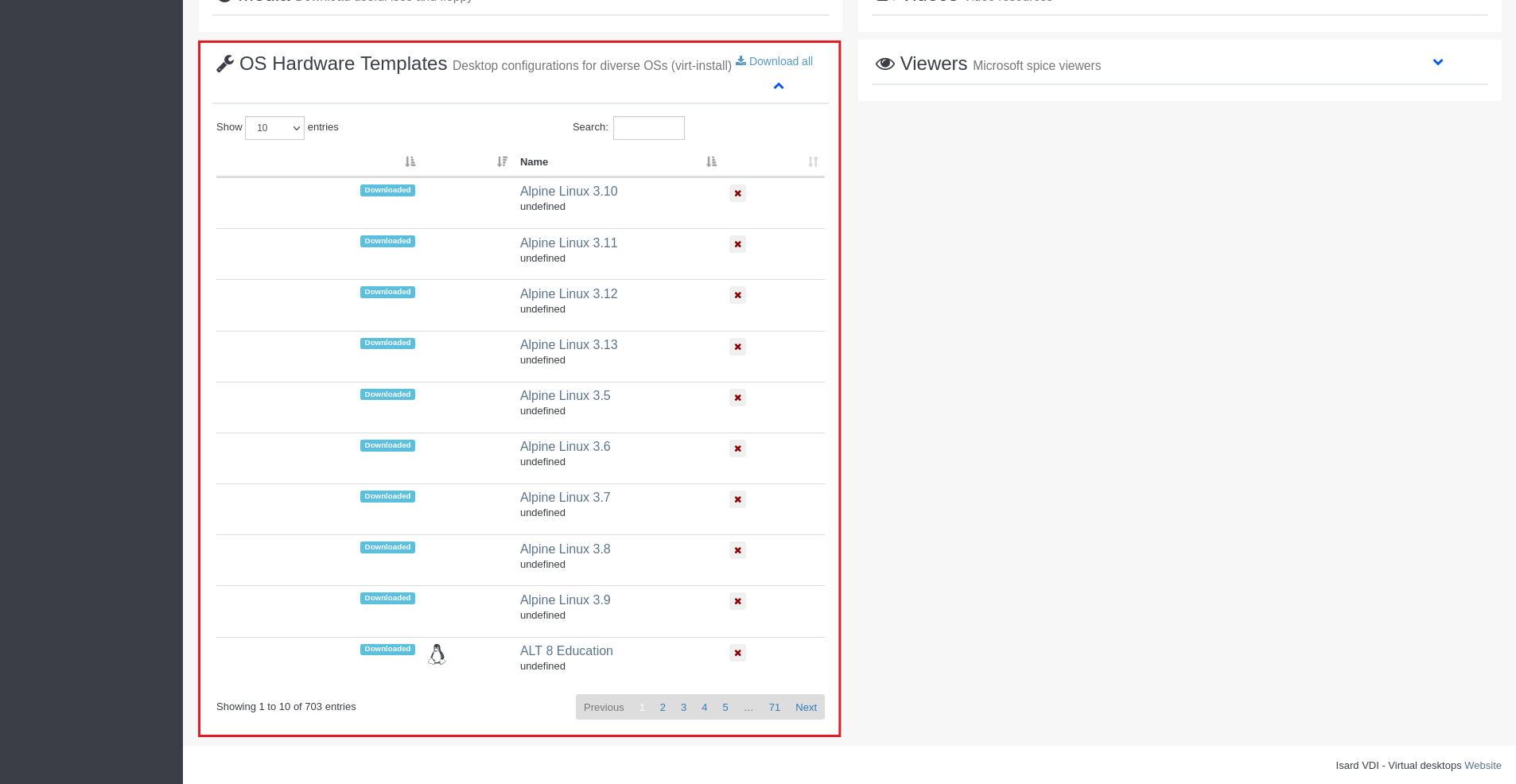
The Domains, Media, Videos and OS Hardware Templates sections also have the Download all button, which downloads all the items in the list after you confirm the «You are about to download all items in list!» warning. There is no button to stop or delete all items at once, and the Viewers section has no Download all.
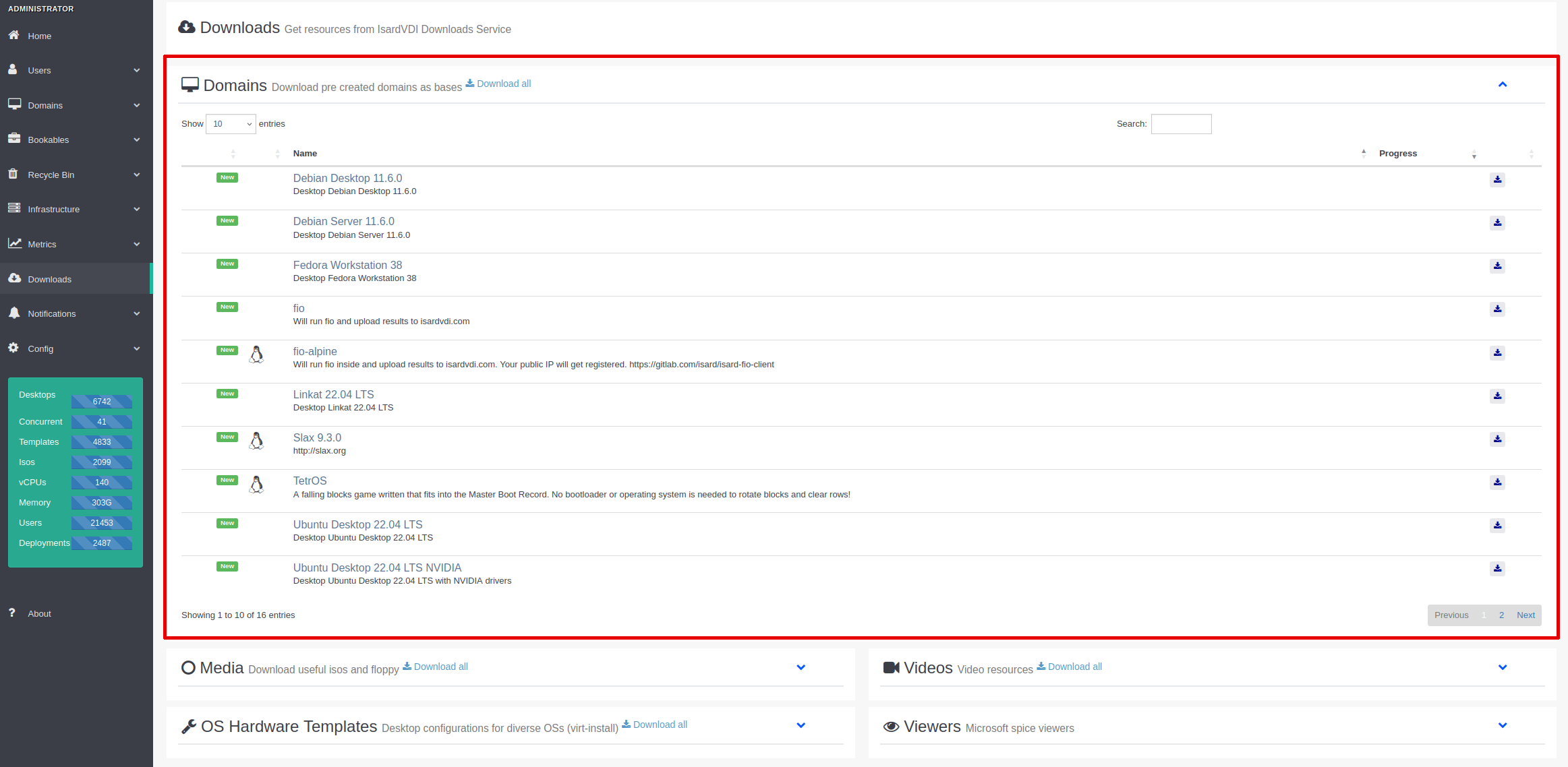
Domains
Ready-made domains that can be downloaded to use as a base.
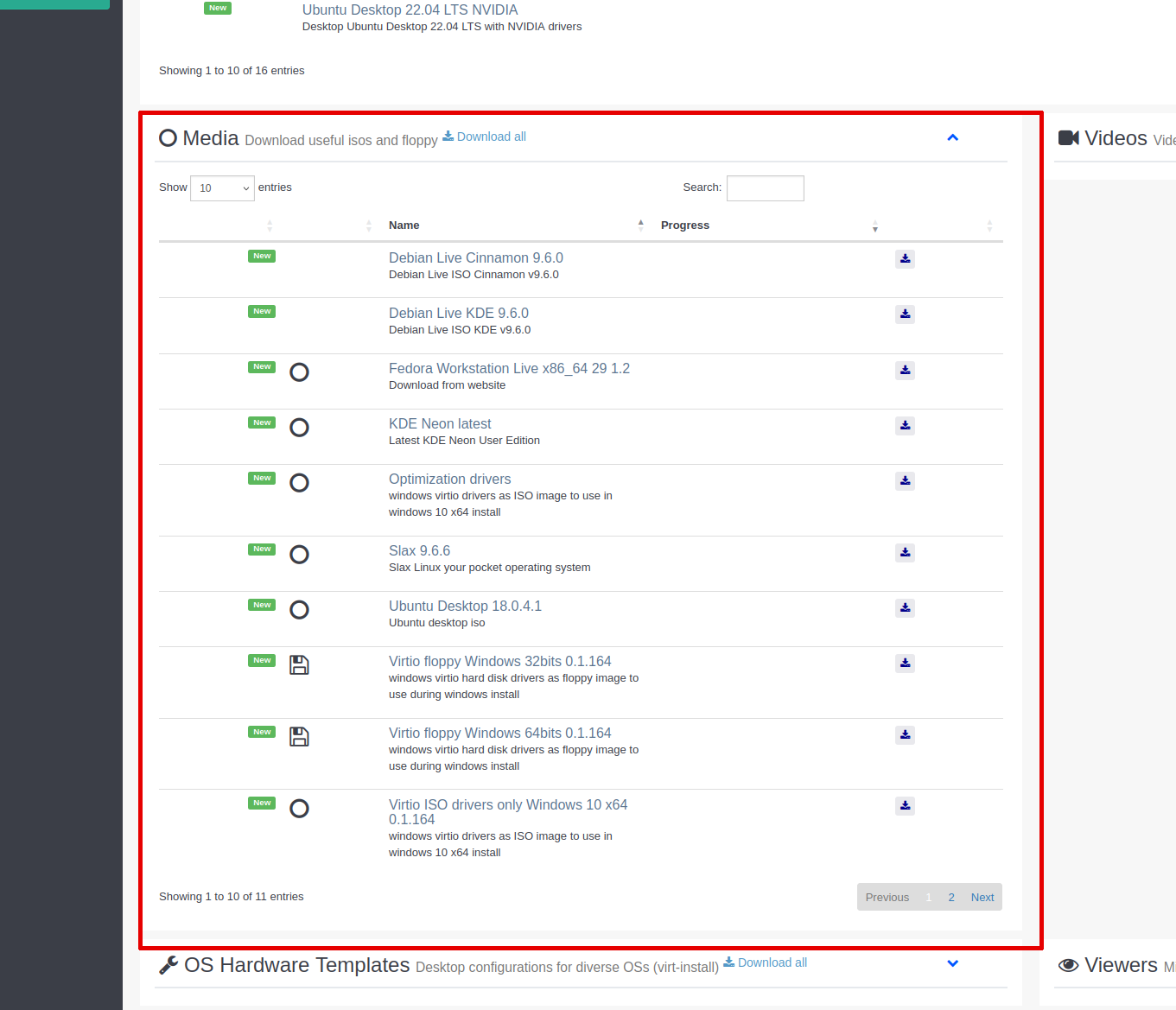
Media
ISOs and floppy disks provided by IsardVDI. Once downloaded, they appear in Media.
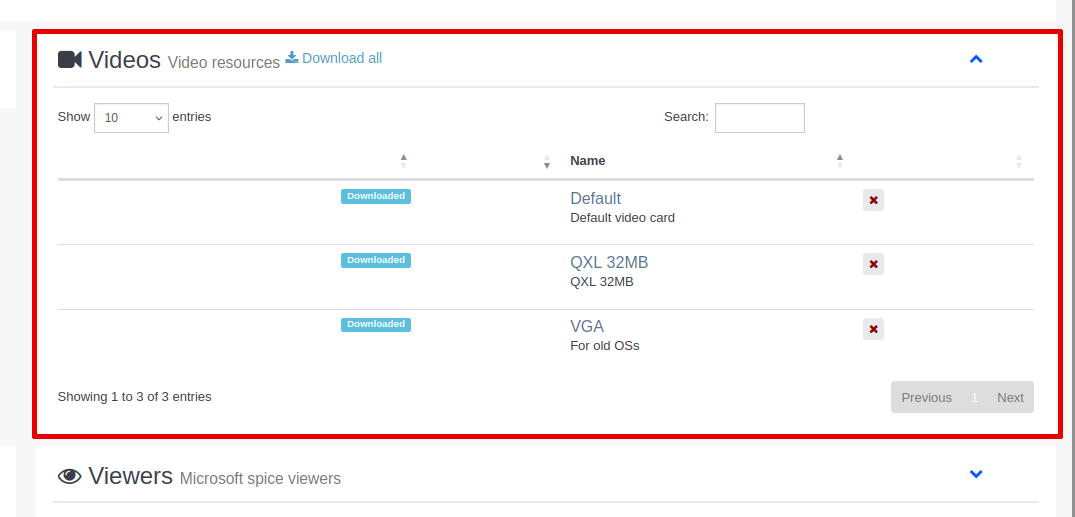
Videos
The video resources provided by IsardVDI. Once downloaded, they appear in the videos section of Resources.
OS Hardware Templates
Hardware configurations for various operating systems (virt-install), used when creating desktops from a medium.
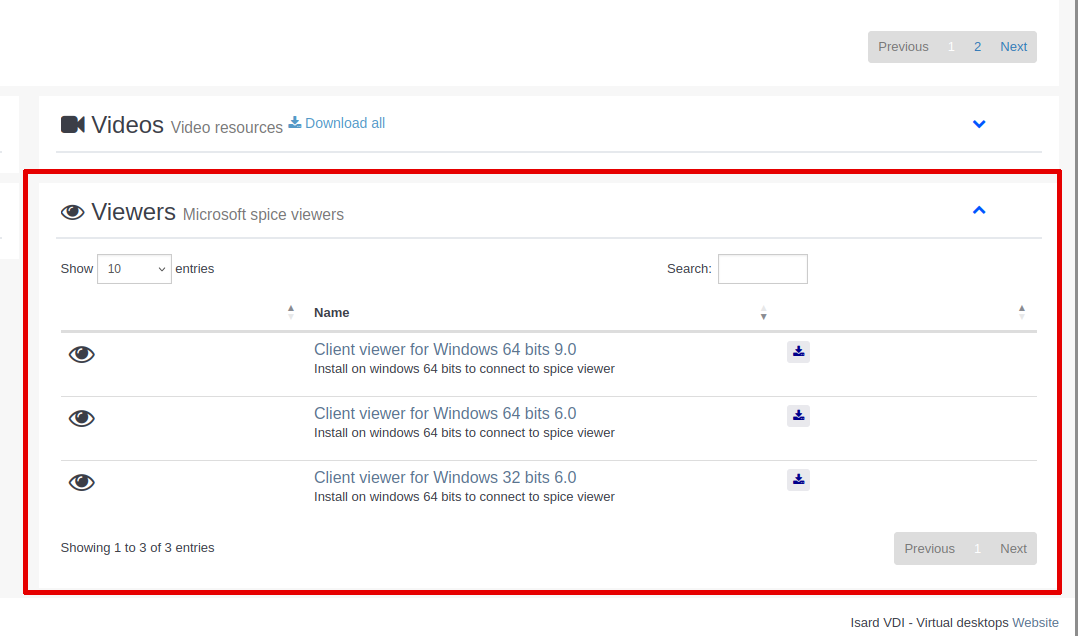
Viewers
SPICE viewers for Windows.