Task and queue management
Roles with access
Only administrators have access to this page (Infrastructure → Tasks).
This page is used to monitor the system task queues and the workers that process them. Most disk work (creating, converting, compacting, deleting or moving disks, creating templates, downloading media…) is put in a queue and carried out by the storage workers.
The page only shows information: it does not add, delete or modify any queue or task.
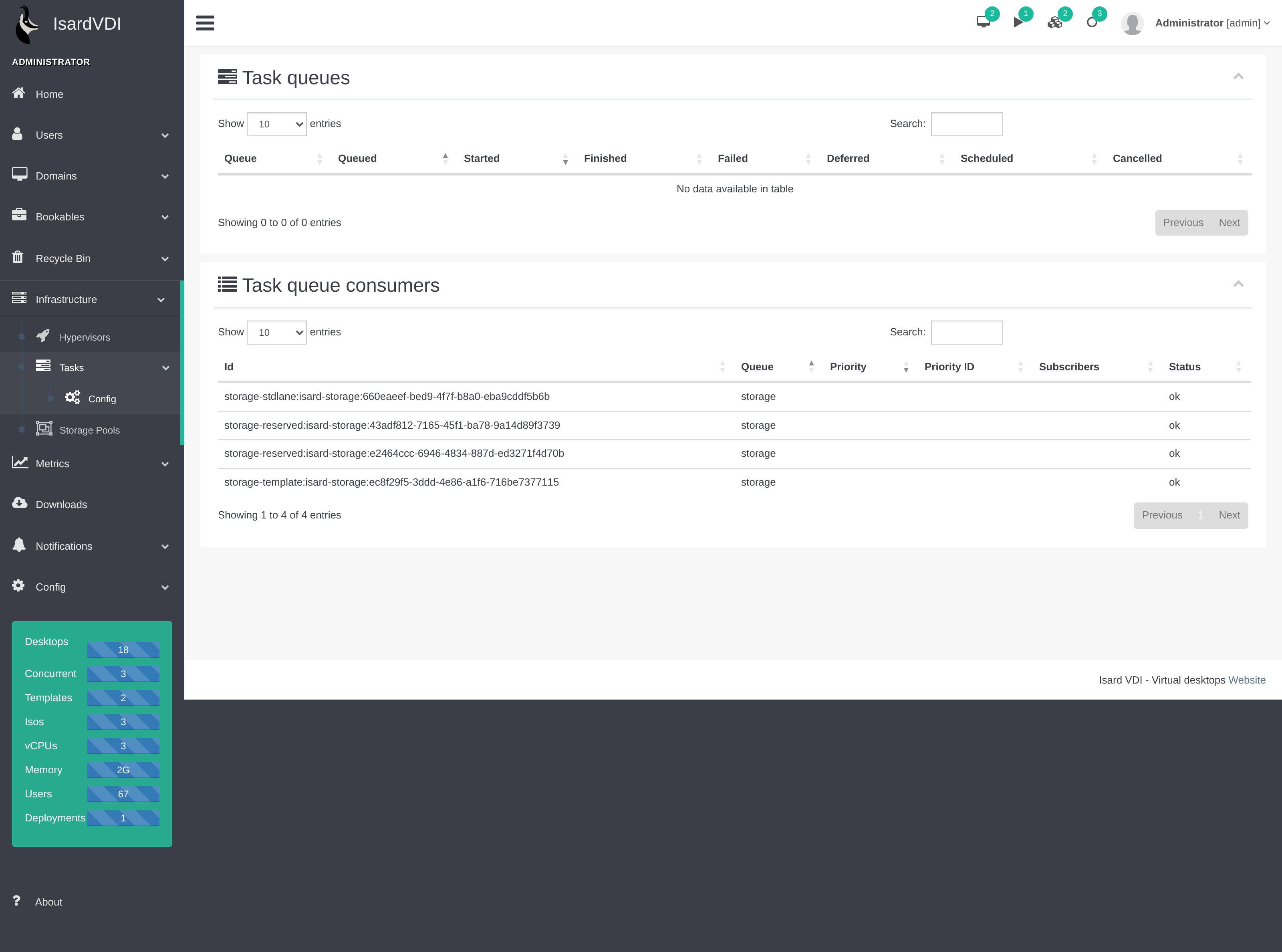
Task queues
The Task queues table shows each queue with the number of tasks in each state:
| Column | Description |
|---|---|
| Queue | Name of the queue. For disk queues, it includes the storage group and the priority level (for example, storage.<group>.bulk). |
| Queued | Tasks waiting. |
| Started | Tasks running. |
| Finished | Tasks completed successfully. |
| Failed | Tasks that have failed. |
| Deferred | Tasks postponed until the tasks they depend on are finished. |
| Scheduled | Tasks scheduled for later. |
| Cancelled | Cancelled tasks. |
Task queue consumers
The Task queue consumers table shows the workers subscribed to the queues:
| Column | Description |
|---|---|
| Id | Worker identifier. |
| Queue | Queue it serves. |
| Priority | Priority level it serves. |
| Priority ID | Internal priority identifier. |
| Subscribers | Number of subscribers. |
| Status | Current status of the worker. |
If a queue has tasks in Queued and no worker is serving it, the tasks do not move forward.
How queues and priority levels work is explained in detail in Queue system. Deletion of old tasks is configured in Queue configuration.