Enabling RDP on Ubuntu
Sharing - Log in
From Ubuntu version 22 onwards, the RDP service is already integrated. To enable it:
- Open Settings - Sharing - Remote Desktop.
- In the Authentication section, set the following login:
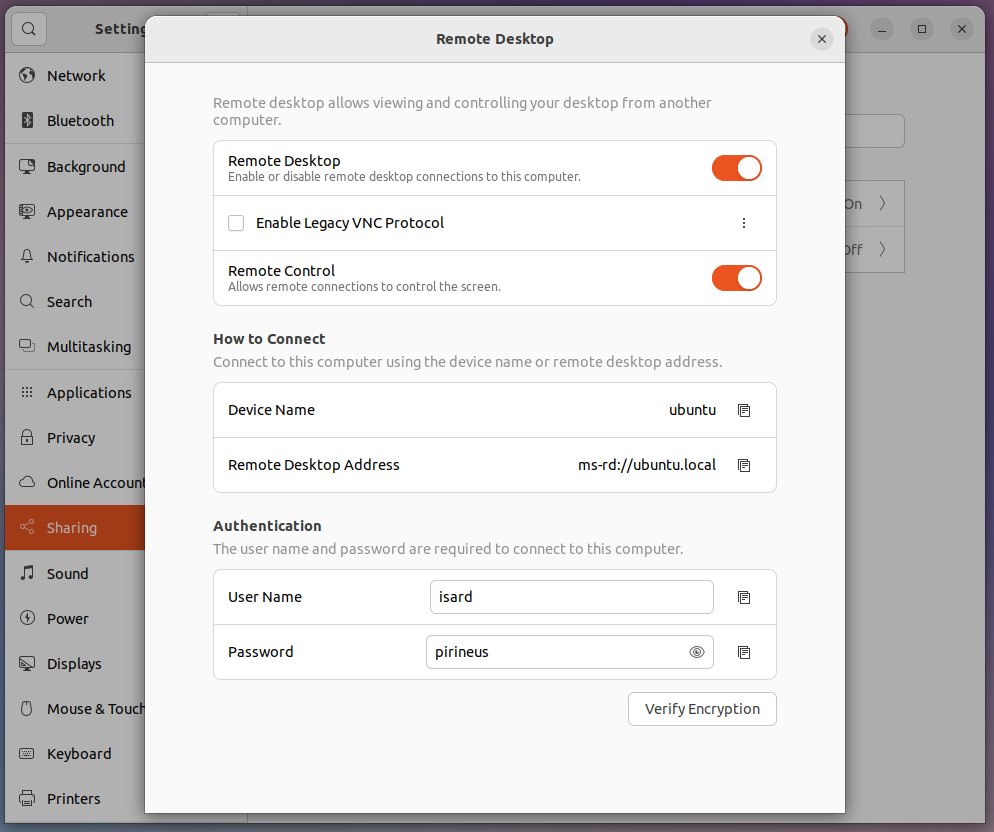
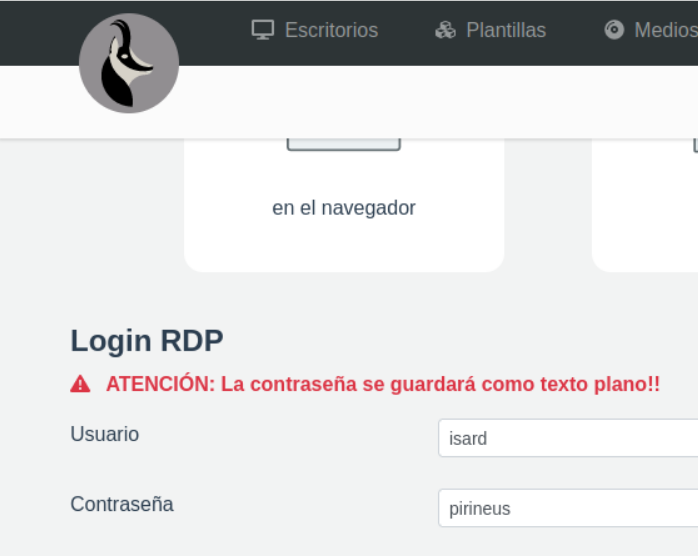
This login must match the desktop credentials in IsardVDI, which are set in the Credentials section when editing or creating the desktop (see Edit a desktop):
Fixing the key across Ubuntu restarts
The RDP access key within Ubuntu is regenerated on every restart if the system cannot unlock the user's "Keyring". To resolve this, you must reset the keyring key to a blank key.
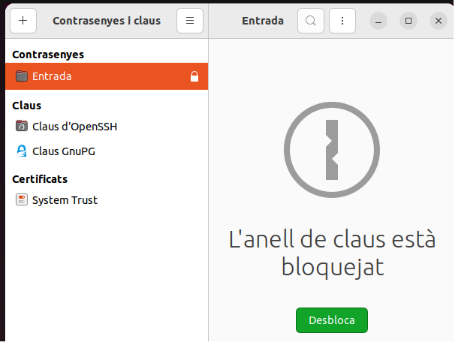
- Click Unlock. The system asks for the current password of the operating system user (in the templates of these guides, the isard user has the password set in the template).
- Right-click Login and choose Change Password from the dropdown menu.
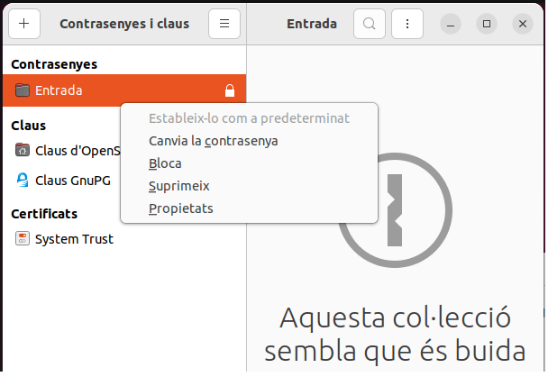
- Accept the change without typing anything, so that the new password is left blank.
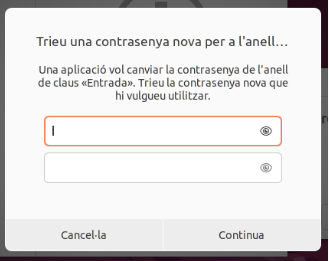
This allows Ubuntu to unlock the keyring and access the current RDP key when logging in, thus preventing the regeneration of a new key.