Configuration
Roles with access
Only administrators have access to this section. Managers do not see the Config menu.
To access the Config section, click the Administration  button in the user interface.
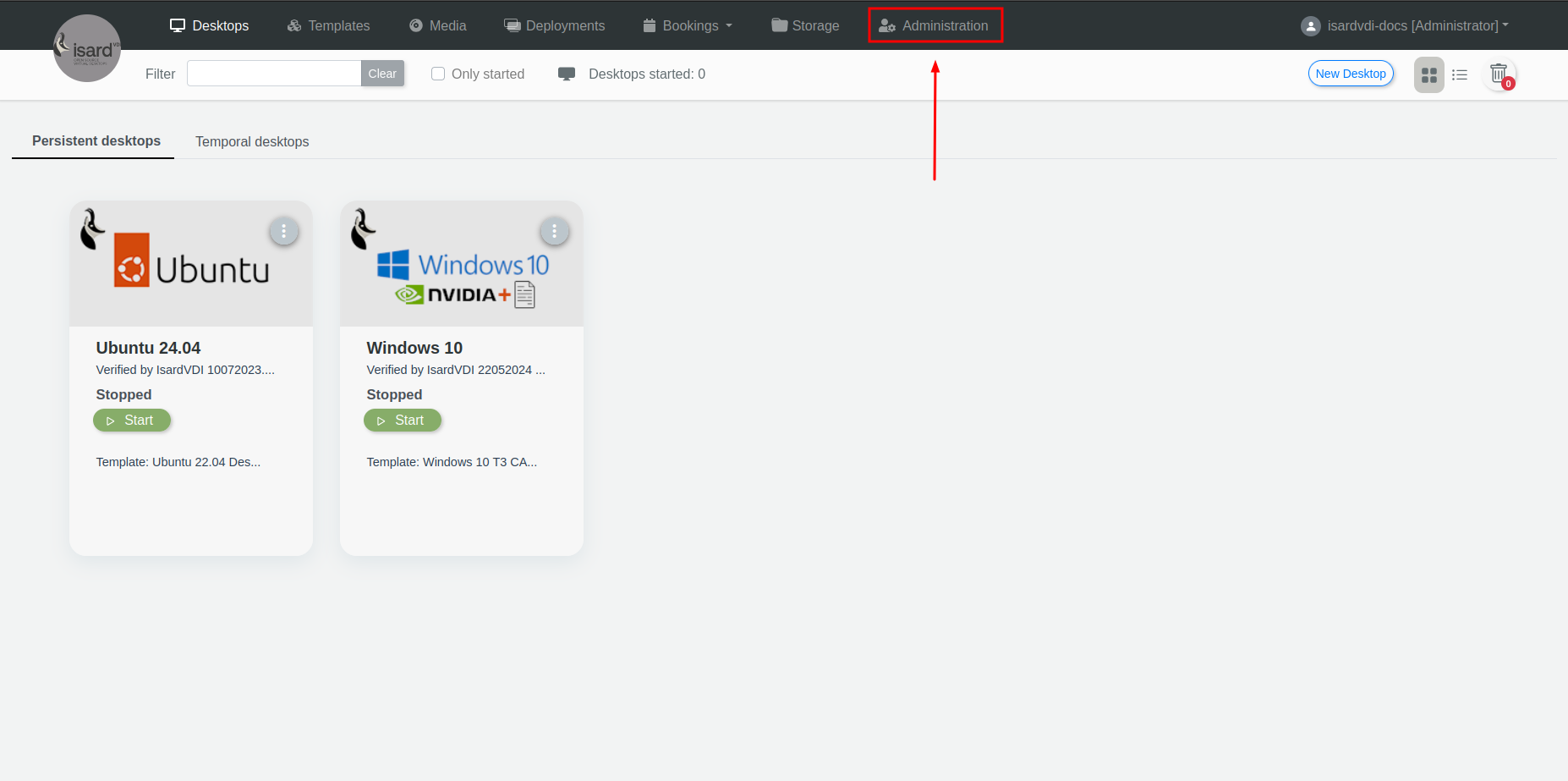
Then click the  button in the sidebar.
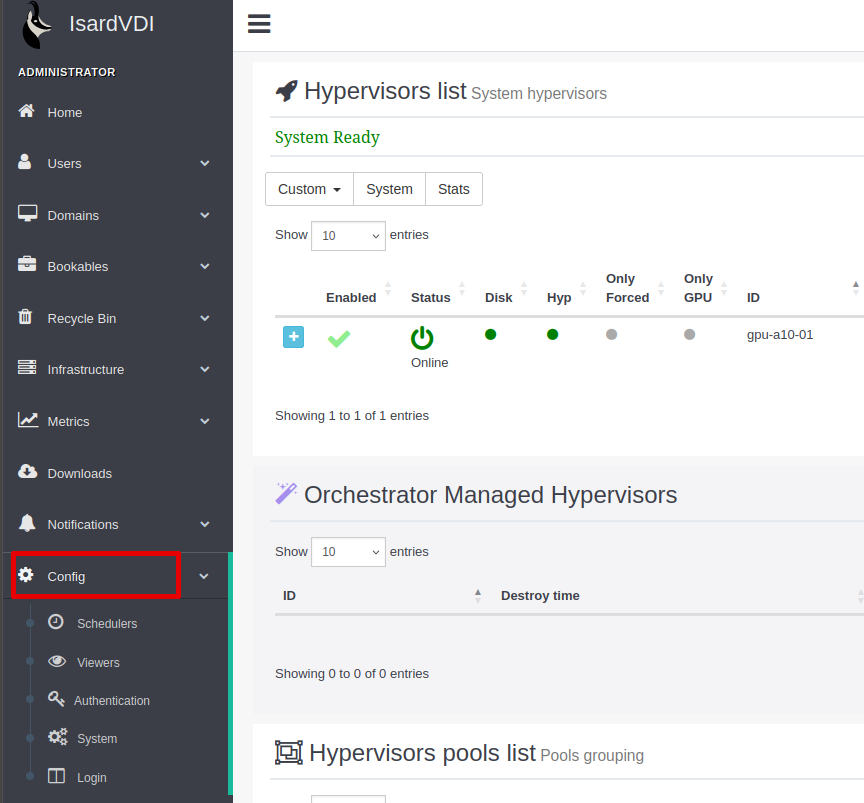
The Config menu is divided into these sections:
- Schedulers: Scheduler of scheduled tasks.
- Viewers: Viewers and RDP security.
- Authentication: Authentication, login providers and user migration.
- Backups: Backups.
- System: System: maintenance mode, email (SMTP) and logos.
- Frontend: User interface: which interface (the new or the old one) each user sees.
- Login: Login: notices on the login screen.
Other configuration pages are outside this menu:
- Task configuration is in Infrastructure › Tasks › Config (see Task configuration).
- User storage is in Users › User Storage (see User storage).