Installing Ubuntu Server 22.04 Jammy Jellyfish
OS Installation
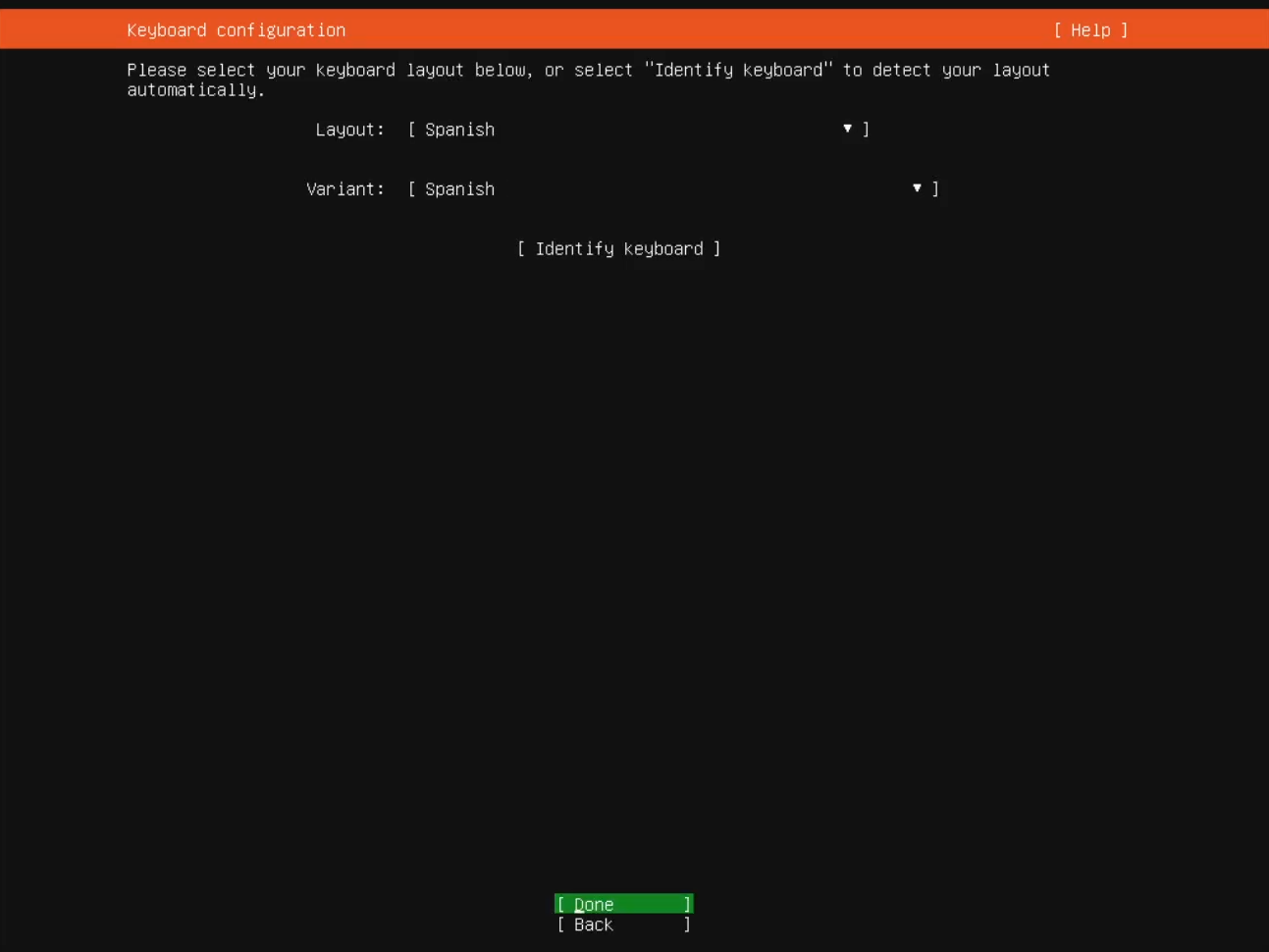
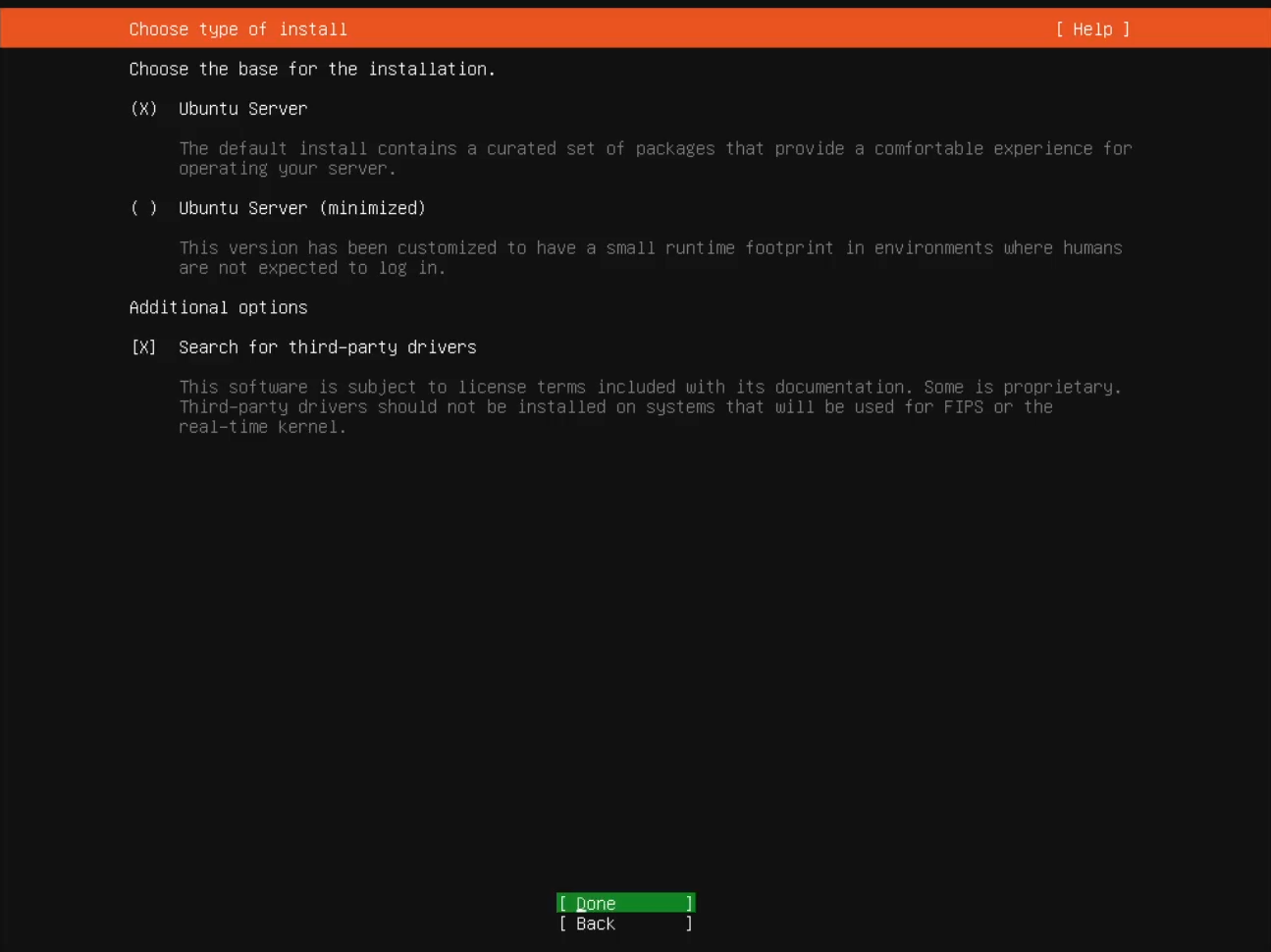
Modifying the Desktop XML
In IsardVDI, edit the desktop XML (only the administrator role has access to it) and add the following <driver> attribute inside the <disk> element:
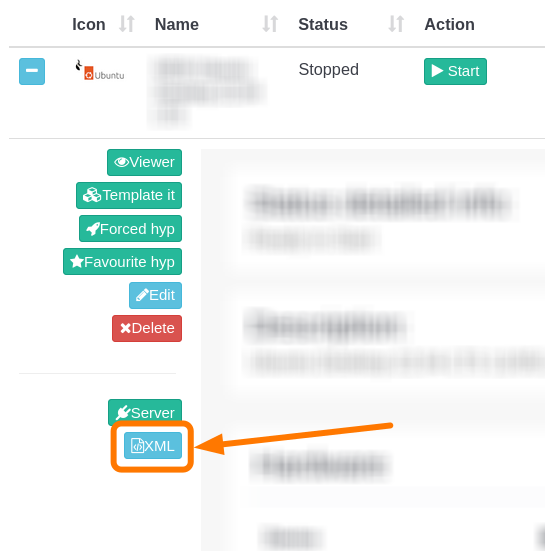
This enables discard=unmap (required for TRIM to take effect on the storage) and cache=unsafe (faster for desktops that do not require persistence after a host failure).
Configuration
Basic commands
sudo apt update
sudo apt upgrade -y
sudo apt install vim gedit vlc net-tools htop curl wget spice-vdagent qemu-guest-agent tree traceroute
Modify the fstab file
sudo vim /etc/fstab

# For each "ext4" file system, define "noatime,discard"
#UUID=xxxxx-xxxxx-xxxxxx /               ext4    defaults,noatime,discard,errors=remount-ro 0       1
Free up system space
Reduce swap memory usage
Reduce space allocated for system logs
sudo vim /etc/systemd/journald.conf

# Uncomment the following parameters and assign them the indicated values:
#SystemMaxUse=20M
#SystemKeepFree=4G
Disable automatic updates and new update notifications
# Remove update-manager and notifiers
sudo apt purge -y update-manager update-notifier*

# Avoid development version updates
echo 'Unattended-Upgrade::DevRelease "false";' | \
sudo tee /etc/apt/apt.conf.d/50unattended-upgrades

# Lock version updates
echo -e "[DEFAULT]\nPrompt=never" | \
sudo tee /etc/update-manager/release-upgrades

# Disable APT automatic updates
sudo tee /etc/apt/apt.conf.d/20auto-upgrades >/dev/null <<'EOF'
APT::Periodic::Update-Package-Lists "0";
APT::Periodic::Unattended-Upgrade "0";
EOF

# Disable update services
sudo systemctl disable --now \
    unattended-upgrades.service \
    apt-daily.timer \
    apt-daily-upgrade.timer \
    apt-daily.service \
    apt-daily-upgrade.service \
    fwupd-refresh.timer \
    ModemManager.service \
    packagekit.service \
    motd-news.timer 2>/dev/null

# Lock them completely
sudo systemctl mask \
    unattended-upgrades.service \
    apt-daily.timer \
    apt-daily-upgrade.timer \
    fwupd-refresh.timer \
    ModemManager.service \
    packagekit.service \
    motd-news.timer 2>/dev/null
Extra modifications
To change the language:
Template creation
To create a template from this configuration, run the following instructions just before permanently shutting down the machine.
Clear the terminal history: